Why AI Data Analysis Needs Skills, Not Just Prompts
AI can write the analysis, but it still needs the rules of your business: which accounts to exclude, how a metric is defined, which data to trust. Skills let you capture that context once and reuse it the next time the question comes back.

Most of the conversation about AI analytics is stuck on the wrong half of the problem.
The pitch you hear everywhere is "just ask your data." Type a question, get an answer. And that part works. The models are good now. They can write the query, join the tables, and draw the chart. But anyone who actually runs reporting for a living knows the hard part was never writing the analysis. The hard part is the context around it.
Take a question that sounds about as simple as they come: what was our MRR last month?
There is no neutral answer to that. The real answer depends on a stack of decisions your company made at some point and mostly never wrote down. Do you exclude trials? What about internal and test accounts? Are you using fiscal quarters or calendar quarters? Which subscription table is the trusted one, and how are upgrades, downgrades, and cancellations handled inside it? Do you roll up by customer segment? Change any one of those and the number changes with it.
The AI can produce a number. What it cannot do, on its own, is know which of those decisions your business has already made. That logic lives in someone's head, or in a Slack thread, or in the one analyst who always gets pulled in to "just double-check the revenue number." The model is powerful. The business rules are missing.
That gap is what Skills are for.
What a Skill actually is
A Skill is a reusable analysis recipe. You teach Querri how to handle a specific kind of question once, including which data to use, the terminology, the filters and exclusions, and the steps that produce the right result. After that, when the Skill is loaded and relevant, the agent can reach for that recipe the next time a similar question comes up.
The analogy we keep coming back to is onboarding. Imagine explaining your monthly close to a new analyst. The first month, you walk them through every step: pull from this source, drop these accounts, use the fiscal calendar, group it this way. You would not want to do that from scratch every single month for the rest of your life. So at some point you write it down as a playbook, and the next person just follows it.
A Skill is that playbook, except the thing following it is the AI.
Prompt, dashboard, automation, Skill: knowing the difference
It is easy to lump Skills in with things they are not, so it helps to be precise.
A prompt is what you ask right now. It is great for one-off questions and open-ended exploration. You poke at the data, follow your curiosity, and move on.
A dashboard is what you monitor on an ongoing basis. It is a fixed view you glance at to see where things stand.
An automated project reruns the exact same pipeline on a schedule. Same sources, same steps, fresh data, on a timer. When you want last week's numbers to refresh into this week's report without anyone touching it, you automate the project.
A Skill captures the method, the rules, and the steps so the agent can apply the same recipe again across similar questions. The key word is similar. A Skill flexes. You can point the same "weekly paid ads performance" recipe at a different date window, a different channel, or a different client's data, and it still applies your definitions and your logic.
The shorthand we use internally: skills flex, automated projects don't. If the same pipeline needs to rerun on a schedule with fresh data, automate the project. If the recipe needs to handle variation across datasets, time windows, or teams, use a Skill. If it is truly one-off, just ask.
What goes inside a Skill
A Skill is guidance for the agent, not a copy of your data. In plain terms, it can capture:
- which data source to use, and which one not to use
- what a metric actually means in your company
- what to exclude (trials, internal domains, test accounts)
- which columns matter and how tables should be joined
- the edge cases worth watching for
- the output that is actually useful, down to the chart or table
Here is the MRR example made concrete. A "Monthly MRR Rollup" Skill might say: exclude trials, exclude internal email domains, use fiscal-year quarters rather than calendar quarters, and roll up by customer segment. Then filter to active subscriptions, group, aggregate, and visualize. Once that is written down, "show me MRR" stops being a question with ten possible answers. It has a clear, agreed answer, produced the same way each time you ask.
How Skills work in Querri
You do not have to build a Skill from a blank page. The easiest way to create a good one is to let a real analysis teach it.
First, solve the question once in a project. Run the analysis, refine it, get to the answer you trust.
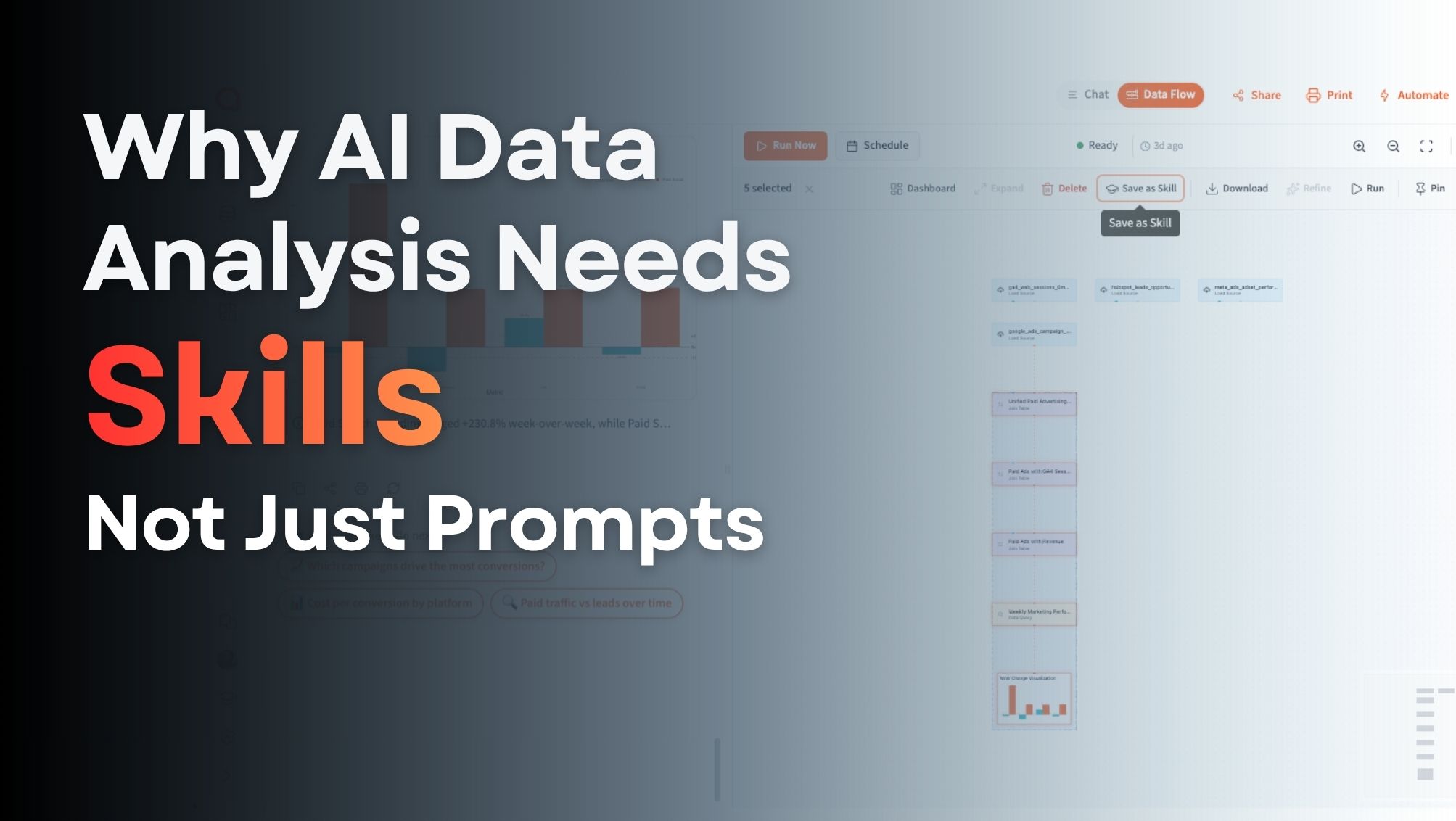
Then, in the Data Flow, select the steps that produced that answer and hit Save as Skill. The plan comes pre-filled from what you actually ran, so the recipe reflects real work rather than a guess. (How to create one)
From there you add the business context that lives in your head: the terminology, the exclusions, the edge cases, the "use this column, not that one."
After that you just use it. Load up to five Skills into any chat, and when one is relevant the agent has a proven recipe to follow. Same methodology, clearer terminology, and fewer chances for the answer to drift. (Using Skills)
Finally, you share it. An admin can promote a Skill org-wide and the whole team picks it up automatically. You can also export it as a .qskill file to move it between organizations. (Sharing and permissions)
Here is the whole flow start to finish, from solving a question to saving it as a reusable Skill:
Why this matters: trust
If there is one argument for Skills that matters more than the rest, it is trust.
AI analytics does not just need to be fast. It needs to be trusted, and trust breaks the moment two people ask nearly the same question and get different numbers. You have sat through that meeting. Yours says one thing, theirs says another, and the next twenty minutes are spent reconciling methodology instead of making a decision.
Skills reduce that by encoding the company's preferred method once. The same question is far more likely to get the same answer whether it is asked by the VP, a brand-new hire, or the CEO. The definition is consistent, the methodology is repeatable, and you can actually see how the answer was produced. That auditability is what lets people stop arguing about the number and start using it.
Who Skills help
Teams get a shared way of working. Most reporting runs on undocumented tribal knowledge: ask Sarah which HubSpot field to use, use the cleaned sheet and not the export, exclude the test accounts, pull ticket counts from this table. A Skill turns one person's best analysis into the team's default method. It starts as someone's personal recipe, gets refined, and once it is promoted org-wide it becomes the way the team answers a recurring question.
Consultants get something closer to reusable IP. If you have a proven way to analyze churn risk, marketing ROI, donor impact, or inventory performance, you normally rebuild it by hand for every client. With Skills you package that methodology once and adapt it to each client's data. Consultants sell expertise; Skills let you operationalize that expertise instead of retyping it.
Business users who are not analysts get to stop memorizing the process. You do not need to know every table or re-explain the same logic each time. You run a trusted recipe when you need it, ask follow-up questions without starting over, and let Querri handle the technical work underneath.
Data teams get fewer repetitive requests. The approved method for a common question gets encoded once, which means the analyst stops being the bottleneck for the same five reports and the rest of the org can self-serve without inventing their own methodology.
Skills in the wild
A few recipes that map cleanly to real recurring work:
- Monthly MRR Rollup — one revenue definition, one set of exclusions, one fiscal calendar
- Weekly Paid Ads Performance — spend, CPA, ROAS, conversions, and week-over-week change calculated the same way every time
- Customer Health Score — every CSM scores accounts on the same weights and signals
- Pipeline Hygiene Check — stale and at-risk deals flagged consistently against your stage rules
- Cohort Retention Analysis — activation, churn, and retention definitions that hold steady across reports
- Board-Deck KPI Summary — the same headline metrics, defined the same way, every quarter
The common thread is not that these are hard analyses. It is that they are repeated analyses, where consistency matters more than creative latitude.
When not to use a Skill
Skills are not the answer to everything, and pretending otherwise would undermine the point.
Use a Skill when the question comes back often, the business rules are stable, consistency matters, and the process is worth repeating.
Skip it when the question is truly one-off, when you are exploring freely and want the model to surprise you, when the right answer changes frequently, or when the process is not yet understood well enough to write down. In those cases, just ask. Forcing a half-baked process into a Skill only encodes a bad recipe.
The bigger idea
It is tempting to file Skills under "saved prompts." They are not that. A saved prompt replays the same words. A Skill captures judgment: the definitions, the cleanup rules, the exclusions, the "don't include those accounts" and "use this date column" decisions that a real analyst applies without thinking.
The future of AI analytics is not only better models. It is better reusable context. Skills give teams a way to capture what they know, standardize how analysis gets done, and make trusted answers easier to repeat. That is the shift worth paying attention to: Querri stops feeling like a chatbot you re-explain the same recipe to, and starts feeling like a teammate that remembers the repeatable work your team has already proven.
Skills are the first layer. Library is next.
Skills are the first layer of reusable intelligence. They let you save the steps, rules, exclusions, and context behind a repeatable analysis, so the proven way to answer a recurring question does not have to live in one person's head.
The next layer goes broader. The Library is how Querri learns how your company thinks about its data: the questions that matter, the KPIs behind them, the facts that define them, and the views that answer them, organized around your business rather than around raw files and tables. Where a Skill captures one repeatable workflow, the Library organizes that work around the actual structure of the business.
We are rebuilding the Querri Library now, along with a new AI agent called the Librarian that helps capture business context, definitions, and recurring questions. It is coming soon — we will have much more to share shortly.
Teach it once. Use it forever. Try Querri free and build your first Skill →
Tags