Querri for Optimizing Ad Spend An AI Data Analytics Tool to Optimize Ad Spend, Reduce Waste, and Improve Marketing ROI
Ad budgets outpace clarity. Campaign data spans Google Ads, LinkedIn, Meta, spreadsheets, and CRMs, but identifying revenue-driving ads often remains manual. Querri helps marketing and RevOps teams connect campaign data to real business outcomes. Optimize spend, cut waste, and boost ROI — no SQL or technical knowledge needed.
See Ad Spend Optimization in Action
Watch how Querri uses agentic AI to analyze ad spend across channels, identify underperforming campaigns, and surface clear next steps — all from a single analysis.
Why Optimizing Ad Spend Is So Hard
Most teams don't struggle with running ads — they struggle with understanding results.
Common challenges include:
- Ad performance data spread across multiple platforms
- No clear connection between ad spend and revenue
- Attribution models that are too complex or too rigid
- Static dashboards that can't answer new questions
The result? Budget decisions based on partial data, gut instinct, or last month's report.
How Querri Connects Campaigns to Real Business Impact
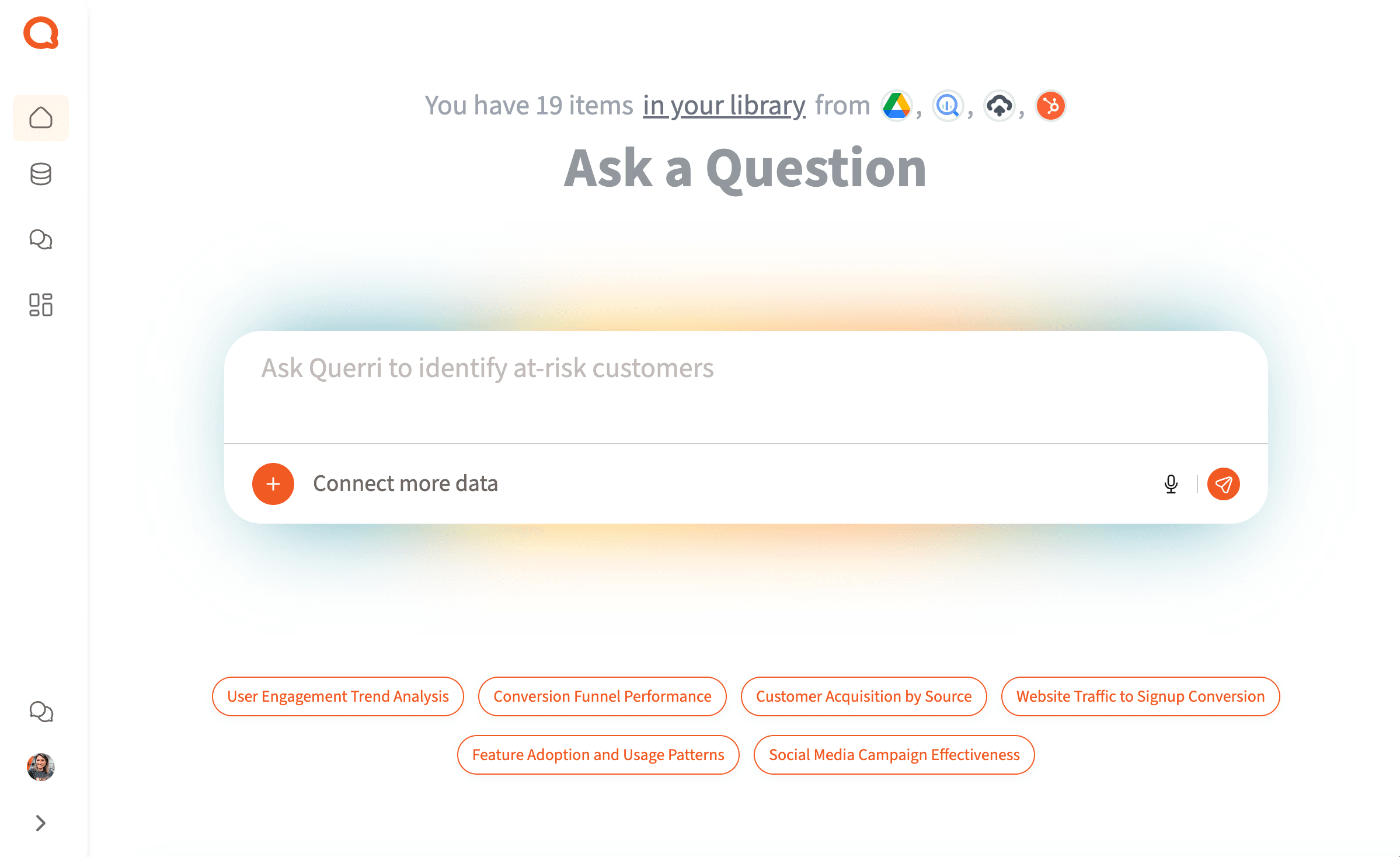
Querri brings all your ad data together and analyzes it in context.
- Google Ads, LinkedIn Ads, Meta, and other platforms
- CRM and pipeline data
- Revenue systems and spreadsheets
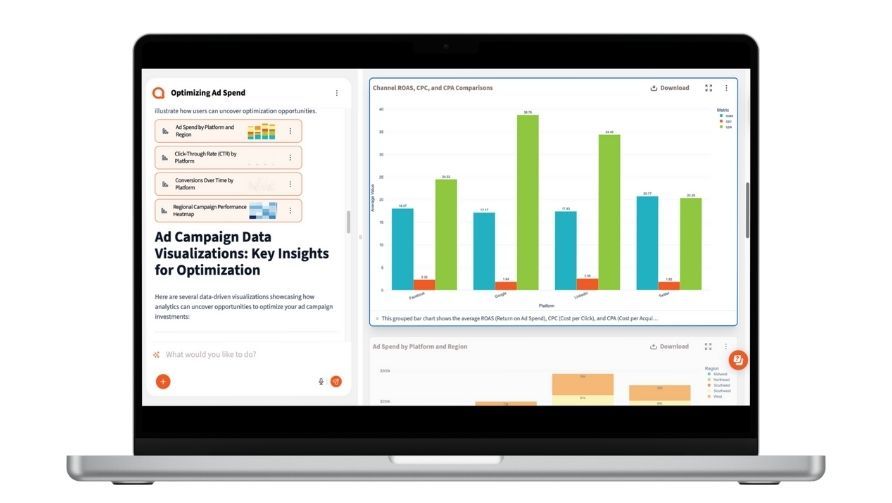
Querri's AI analyzes ad performance across channels to help you:
- Understand which campaigns actually drive revenue
- See cross-channel performance in one place
- Optimize budget allocation based on ROI
This is cross-channel ad spend optimization, without the usual complexity.
From Clicks to Revenue: Optimize Ad Spend Without Complexity
Clicks are easy to track. Revenue impact isn't.
Querri links ad spend to outcomes like pipeline and sales, showing which campaigns drive results, comparing cost per lead to cost per revenue. Skip rigid attribution models — explore performance dynamically and ask follow-up questions.
Catch inefficiencies early, cut wasted spend, and continuously optimize budgets. Designed for Marketing Ops and RevOps, Querri delivers clear insights without SQL, custom pipelines, or a data team.
What You Gain When You Finally Know Your Customers
Clear visibility into marketing ROI
Smarter Targeting for Marketing and Sales
No More Waiting for a Data Team
Actionable Insights That Improve Retention and Revenue
How-To:
1 Connect or Upload Campaign Data
Connect Google Ads and Meta Ads directly, pull campaign data from BigQuery, or upload exports from platforms like LinkedIn and email marketing tools. Querri keeps your campaign data ready for analysis in one place.
2 Connect or Upload Sales and Conversion Data
Bring in downstream data from HubSpot (deals, contacts, lifecycle stages) or connect revenue and conversion tables from BigQuery or Google Drive. Querri helps match campaign activity to leads, opportunities, and outcomes automatically.
3 Prompt for Cleaning and Matching
Ask Querri to fix naming inconsistencies or merge datasets. Prompt: "Standardize campaign names and join ad spend with sales data."
4 Apply Attribution Logic
Choose your model: first-touch, last-touch, or custom lookback windows. Try: "Show revenue by campaign using 7-day attribution."
5 Analyze and Automate
Ask: "What's my CAC by platform for Q1?" "Which audience segments had the best ROAS?" Save as a report or dashboard to track over time.

Best Practices:
Link Spend to Sales—Not Just Clicks
To get real ROI, connect your ad spend to actual business outcomes. Even without a CDP, joining CRM and campaign exports gives you actionable insight. Querri helps merge the data cleanly, even when formats don't line up.
Clean and Consistent Campaign Naming
Standard UTM parameters and campaign naming conventions help you group and analyze performance more accurately. If names vary across platforms, ask Querri to consolidate them.
Decide on Attribution Strategy
First-touch? Last-touch? Something in between? You don't need to guess. Querri can apply different models and show you what changes.
Add Context with Segments
Looking at ROAS by audience, region, or product category can reveal patterns that aren't obvious in channel-level summaries.
FAQs:
How do I optimize ad spend with AI?
Can I analyze ad performance across multiple platforms?
Do I need a Customer Data Platform (CDP)?
What if my data is messy or incomplete?
What attribution models can I use?
Can I automate these reports?
What's the minimum data I need?
Can I combine multiple files for a richer view?
Will it be easy to repeat this analysis later?