Connect Fluke eMaint to Querri
Bring your maintenance and asset data from Fluke eMaint into Querri. Analyze work orders, track equipment performance, and optimize maintenance schedules using plain language questions.
What Syncs from eMaint
Querri syncs your key eMaint data so you can analyze maintenance operations with AI-powered natural language queries.
Work Orders
Open, in-progress, and completed work orders with priorities, status, and time tracking
Assets & Equipment
Full inventory with specs, locations, hierarchies, criticality, and maintenance history
PM Schedules
Preventive maintenance schedules, compliance rates, and upcoming/overdue tasks
Technician Data
Assignments, completion rates, response times, and labor hours
Performance Metrics
MTBF, MTTR, uptime/downtime, maintenance costs, and backlog tracking
Custom Fields
Any custom fields configured in your eMaint instance
Optimize Maintenance Operations
Get instant visibility into your maintenance operations by asking questions in plain language. Track work order trends, identify bottlenecks in your repair processes, and measure technician productivity—all without building custom reports.
Ask Querri things like 'What's our average time to close emergency work orders?' or 'Which assets have the most repeat failures this year?' and get actionable charts and answers.
Track work order trends and completion rates over time
Identify bottlenecks in repair and maintenance workflows
Measure technician productivity and resource utilization

Predict Equipment Issues Before They Happen
Use your historical maintenance data to spot patterns that signal upcoming equipment failures. Querri helps you analyze MTBF trends, track asset degradation, and prioritize preventive maintenance where it matters most.
Combine eMaint data with operational logs, sensor readings, or production schedules to build a complete picture of equipment health and maintenance needs.
Analyze MTBF trends to forecast equipment failures
Track asset degradation and prioritize PM schedules
Combine maintenance data with operational and production data
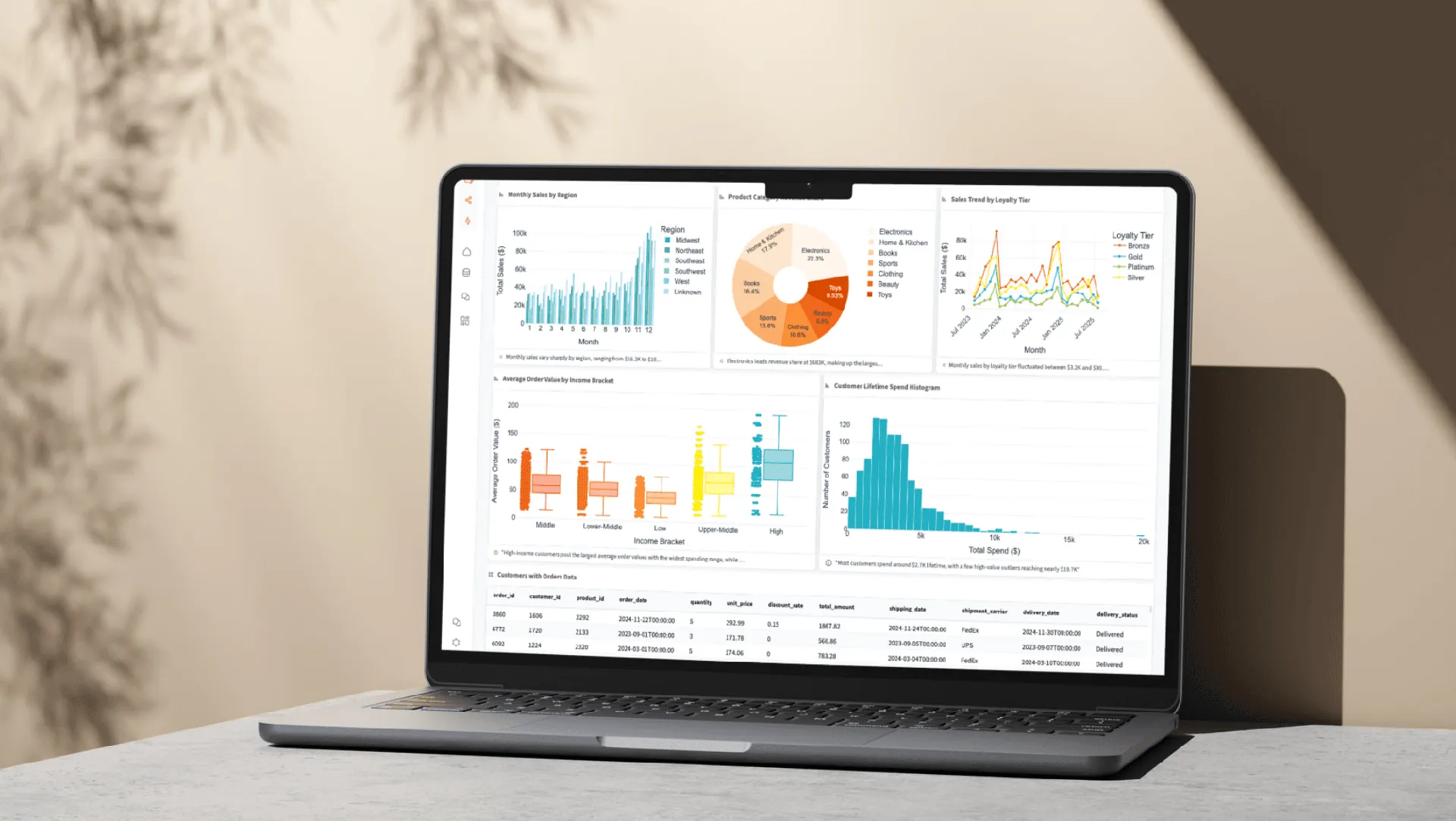
How the Integration Works
Authentication
API key from eMaint Settings; read-only permissions recommended.
Security
Querri IP 18.189.33.77 for network whitelisting; API key encrypted at rest.
Sync Method
API-based data sync from your eMaint instance.
Access Control
API key controls data access; recommend periodic key rotation for security.
Explore More Integrations
Connect all your data sources to Querri for a complete picture.
Frequently Asked Questions
Common questions about connecting Fluke eMaint to Querri.
Yes. Querri connects to Fluke eMaint via API and lets you ask questions about work orders, assets, PM schedules, and technician performance in plain English. No SQL or report builder expertise is needed.
Querri syncs work orders, assets and equipment records, preventive maintenance schedules, technician data, performance metrics (MTBF, MTTR, uptime/downtime), maintenance costs, and any custom fields configured in your eMaint instance.
Querri uses API key-based authentication. You generate a read-only API key from your eMaint settings and enter it in Querri. The API key is encrypted at rest with AES-256 and never exposed after initial entry.
Yes. Your API key is encrypted at rest with AES-256. Querri recommends using read-only API permissions and IP whitelisting (Querri IP: 18.189.33.77) for additional security. Querri is SOC 2 Type II certified.
Querri is designed for maintenance teams that want to go beyond eMaint's built-in reports. Ask questions like 'What is our PM compliance rate this month?' or 'Show MTTR by asset type' and get instant charts without building custom reports.
Yes. Querri syncs all open, in-progress, and completed work orders with priority and status data. Ask questions like 'Show open work orders by priority' or 'What is our average time to close emergency work orders?' for instant operational visibility.
Yes. Querri syncs your equipment performance metrics including mean time between failures (MTBF) and mean time to repair (MTTR). Ask questions like 'What is the MTTR by asset type this quarter?' to identify reliability trends and maintenance priorities.
Yes. Querri lets you blend eMaint maintenance data with operational logs, production schedules, financial data from QuickBooks, or spreadsheets from Google Sheets. This enables cross-functional analysis of maintenance impact on operations and costs.
Sign in to Querri, go to Settings, click Add Connector, and select Fluke eMaint. Enter your eMaint API key from your eMaint API settings page. We recommend using a read-only key and configuring IP whitelisting for security.
Yes. You can schedule any Querri dashboard or analysis built from eMaint data to refresh automatically using cron scheduling. Share reports via embedded links or white-labeled dashboards with your maintenance team or management.
Yes. Querri syncs your preventive maintenance schedules and completion data. Ask 'What is our PM compliance rate this month?' or 'Which assets have overdue PMs?' to track compliance and prioritize overdue maintenance.
Yes. Querri syncs technician assignments, completion rates, response times, and labor hours. Ask questions like 'Which technicians have the highest completion rate?' or 'Show average response time by technician this quarter' for workforce analytics.
No. Querri maintains read-only access to your eMaint data through the API. It will never create, update, or delete any work orders, assets, or other records in your CMMS.
Yes. By analyzing work order history, parts costs, and labor hours tied to specific assets, Querri helps you understand total cost of ownership. Ask 'What are the top 10 most expensive assets to maintain this year?' for instant asset lifecycle insights.
Yes. Querri is built for natural language queries. Ask questions like 'Show open work orders', 'What is our PM compliance rate?', or 'Which assets have the most repeat failures this year?' and get instant charts and answers without any technical setup.