Connect Google Sheets to Querri
Import your spreadsheets, analyze them with AI, and export results back to Google Sheets. Privacy-first access means Querri only sees the files you explicitly select.
Google Sheets Features
Import, analyze, and export—all with privacy-first access that only touches the files you choose.
Import Sheets
Select Google Sheets from your Drive and import them directly into Querri for analysis
Export Results
Send your AI-generated analyses, tables, and charts back to Google Sheets to share with your team
Privacy-First Access
Uses the most restrictive drive.file scope—Querri cannot browse or list files you haven't selected
Auto CSV Conversion
Google Sheets are automatically exported as CSV for fast, reliable data processing
Multi-Sheet Workbooks
Export results as multi-sheet Google Sheets workbooks for organized, professional reports
Bi-Directional Sync
Import data in, export results out. A full round-trip workflow between Sheets and Querri
Upgrade Your Spreadsheet Workflows
Stop spending hours writing formulas and building pivot tables. Import your Google Sheets into Querri and ask questions in plain language. Get charts, dashboards, and insights in seconds instead of hours.
Ask things like 'What's the trend in monthly sales by region?' or 'Which products had the highest margin last quarter?' and get instant visual answers you can act on.
Import any Google Sheet with a few clicks
Ask questions in plain language instead of writing formulas
Get instant charts and dashboards from your spreadsheet data
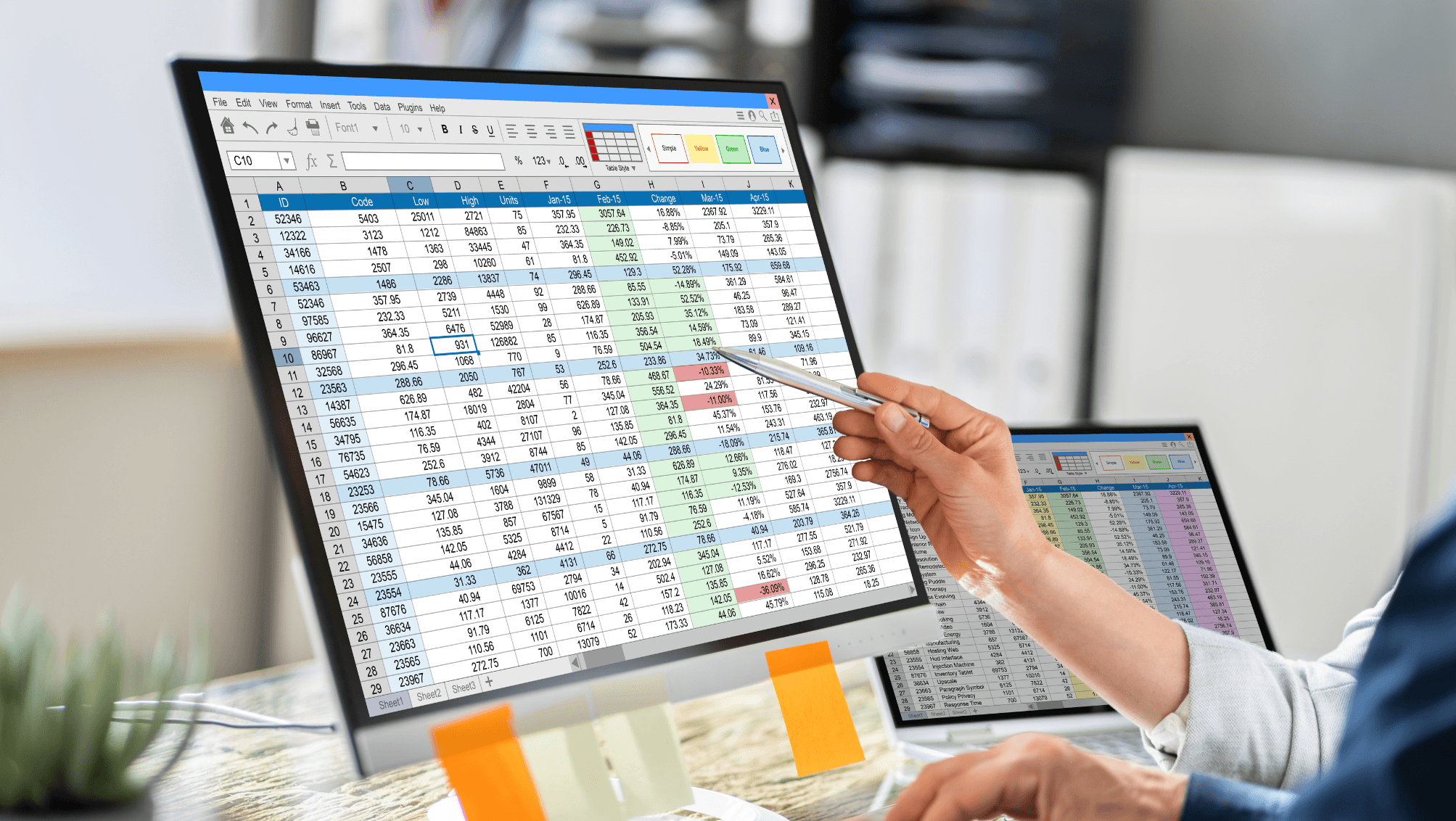
Export Results Back to Sheets
Share your AI-generated analyses with your team by exporting results directly back to Google Sheets. Create multi-sheet workbooks with organized data, summaries, and visualizations that anyone can open.
Perfect for teams that live in Google Sheets but want the power of AI analytics. Analyze in Querri, share in Sheets.
Export analyses as Google Sheets workbooks
Create multi-sheet reports with organized sections
Share AI-powered insights with teams who prefer Sheets

Privacy-First Google Drive Access
Most Restrictive Scope
Querri uses the drive.file scope—the most restrictive available. It can only access files you explicitly select.
No Browsing Your Drive
Querri cannot browse, list, or search your Google Drive. It only sees files you explicitly choose to share with it.
OAuth 2.0
Standard Google OAuth 2.0 authorization. No passwords stored. Revoke access anytime from your Google account settings.
Auto CSV Export
Google Sheets are automatically exported as CSV for fast processing. Your original Sheets file is never modified.
Explore More Integrations
Connect all your data sources to Querri for a complete picture.
Frequently Asked Questions
Common questions about connecting Google Sheets to Querri.
Yes. Querri lets you import any Google Sheet and ask questions about it in plain English. Instead of writing formulas or building pivot tables, just ask what you want to know and get instant charts and answers.
Querri uses OAuth 2.0 with the drive.file scope, which is the most restrictive Google Drive permission available. Querri cannot browse, list, or search your Drive. It can only access files you explicitly select using Google's native file picker.
No. Querri uses the drive.file scope, which means it cannot browse or discover any files in your Drive. You must explicitly select each file through Google Picker for Querri to access it. This is a privacy-first design.
When Querri imports a Google Sheet, formulas are automatically evaluated to their current values. The sheet is exported as CSV for fast processing, so you get the computed results without any formula dependencies.
Yes. Querri supports bi-directional sync with Google Sheets. You can export your AI-generated analyses, tables, and charts back to Google Sheets as multi-sheet workbooks to share with your team.
Yes. When you import a Google Sheet with multiple tabs, Querri processes all tabs and makes the data from each sheet available for analysis. You can query across tabs or focus on specific ones.
Yes. Querri lets you blend Google Sheets with databases like PostgreSQL or Snowflake, CRM data from HubSpot or Salesforce, and financial data from QuickBooks. This is ideal for combining spreadsheet budgets or trackers with live business data.
Querri is designed for teams that want AI-powered analysis of their spreadsheet data. Instead of writing complex formulas, you ask questions in natural language and get instant visualizations. It also lets you blend Sheets with other data sources for cross-platform insights.
Yes. Querri uses OAuth 2.0 with the most restrictive scope available, encrypts all data with AES-256, and is SOC 2 Type II certified. Your original Google Sheet is never modified by Querri.
Yes. You can schedule any Querri dashboard or analysis built from Google Sheets data to refresh automatically using cron scheduling. Share reports via embedded links or white-labeled dashboards.
Sign in to Querri, go to Settings, click Add Connector, and select Google Sheets. Authorize with your Google account, then use the Google Picker to select the specific sheets you want to analyze. The process takes under a minute.
Yes. Once your Google Sheet is imported, you can ask questions like 'What is the trend in monthly sales by region?' or 'Which products had the highest margin last quarter?' Querri interprets your question and returns charts and tables instantly.
No. Querri reads a copy of your sheet data (exported as CSV) and never writes to or modifies your original Google Sheet. Your source data remains completely untouched.
Yes. Google Forms responses stored in Sheets are a common use case. Import the response sheet and ask questions like 'What percentage of respondents selected option A?' or 'Show response trends by week' for instant survey analysis.