Connect Google Drive to Querri
Import files directly from Google Drive into Querri using Google's privacy-first file picker. Analyze spreadsheets, CSVs, and more with AI—without giving Querri access to your entire Drive.
What You Can Import
Select specific files from Google Drive using Google Picker. Querri only accesses the files you explicitly choose—nothing else.
Google Sheets
Import spreadsheets with all tabs; formulas evaluated to values automatically
CSV & Excel
Import standard CSV and Excel files stored in Drive
JSON & Parquet
Support for structured data formats including JSON and Parquet
Privacy-First
drive.file scope means Querri cannot browse or list your Drive contents
Google Picker
Native Google file picker UI—select exactly which files to import
Auto-Refresh
Re-import updated files to keep your analysis current
Analyze Spreadsheets with AI
Pick a file from Google Drive and start asking questions about it immediately. Querri reads your spreadsheet data and lets you explore it through natural language—no formulas or pivot tables required.
Ask things like 'What's the monthly trend in column B?' or 'Which rows have values above the average?' and get instant charts and answers.
Ask natural language questions about any imported file
Get instant charts and summaries from spreadsheet data
No formulas or pivot table expertise required

Combine Drive Files with Other Data Sources
Your Google Drive files often contain budget data, project trackers, and reports that complement your database and CRM data. Querri lets you blend them all together for cross-source analysis.
Join a Drive spreadsheet with your HubSpot contacts or Redshift tables—no data engineering required. Just connect your sources and start asking questions.
Blend spreadsheets with CRM and database data
Cross-reference Drive files with live business sources
Unified analysis across all your connected data
How the Integration Works
Authentication
OAuth 2.0 with drive.file scope—the most restrictive Google Drive permission.
Security
Querri cannot browse, list, or discover any Drive files; only selected files are accessible.
Sync Method
Files imported on demand via Google Picker; re-select to refresh.
Access Control
Each file must be explicitly selected; no blanket Drive access granted.
Explore More Integrations
Connect all your data sources to Querri for a complete picture.
Frequently Asked Questions
Common questions about connecting Google Drive to Querri.
Yes. Querri lets you import files from Google Drive and ask questions about them in plain English. It supports Google Sheets, CSV, Excel, JSON, and Parquet files. No coding or formula knowledge is needed.
Querri supports Google Sheets (auto-converted to CSV), standard CSV and Excel files, JSON, and Parquet. Google Docs and Slides can be imported as text content for reference alongside your data analysis.
No. Querri uses the drive.file OAuth scope, which is the most restrictive permission available. It cannot browse, list, or search your Drive. You must explicitly select each file through Google's native Picker for Querri to access it.
Querri uses standard Google OAuth 2.0 with the drive.file scope. No passwords are stored. You authorize through Google directly, and you can revoke access at any time from your Google account settings.
Yes. Querri uses the most restrictive Google Drive scope available, encrypts all data with AES-256 at rest and in transit, and is SOC 2 Type II certified. Files are only accessible after you explicitly select them through Google Picker.
Yes. Querri lets you blend Drive files with databases like PostgreSQL or Snowflake, CRM data from HubSpot or Salesforce, and financial data from QuickBooks. This is ideal for joining spreadsheet budgets or trackers with live business data.
Sign in to Querri, go to Settings, click Add Connector, and select Google Drive. Authorize with your Google account, then use the Google Picker to select the specific files you want to analyze. Only selected files are ever accessible to Querri.
Querri is designed for teams that want to analyze their Drive files with AI. Import spreadsheets, CSVs, or structured data files and ask natural language questions to get instant charts and insights. You can also blend Drive data with other connected sources.
Yes. Files are imported on demand via Google Picker. When your source file is updated, you can re-select it to pull the latest version into Querri for updated analysis.
No. Querri reads a copy of your selected files and never writes to or modifies your original Google Drive content. Your source files remain completely untouched.
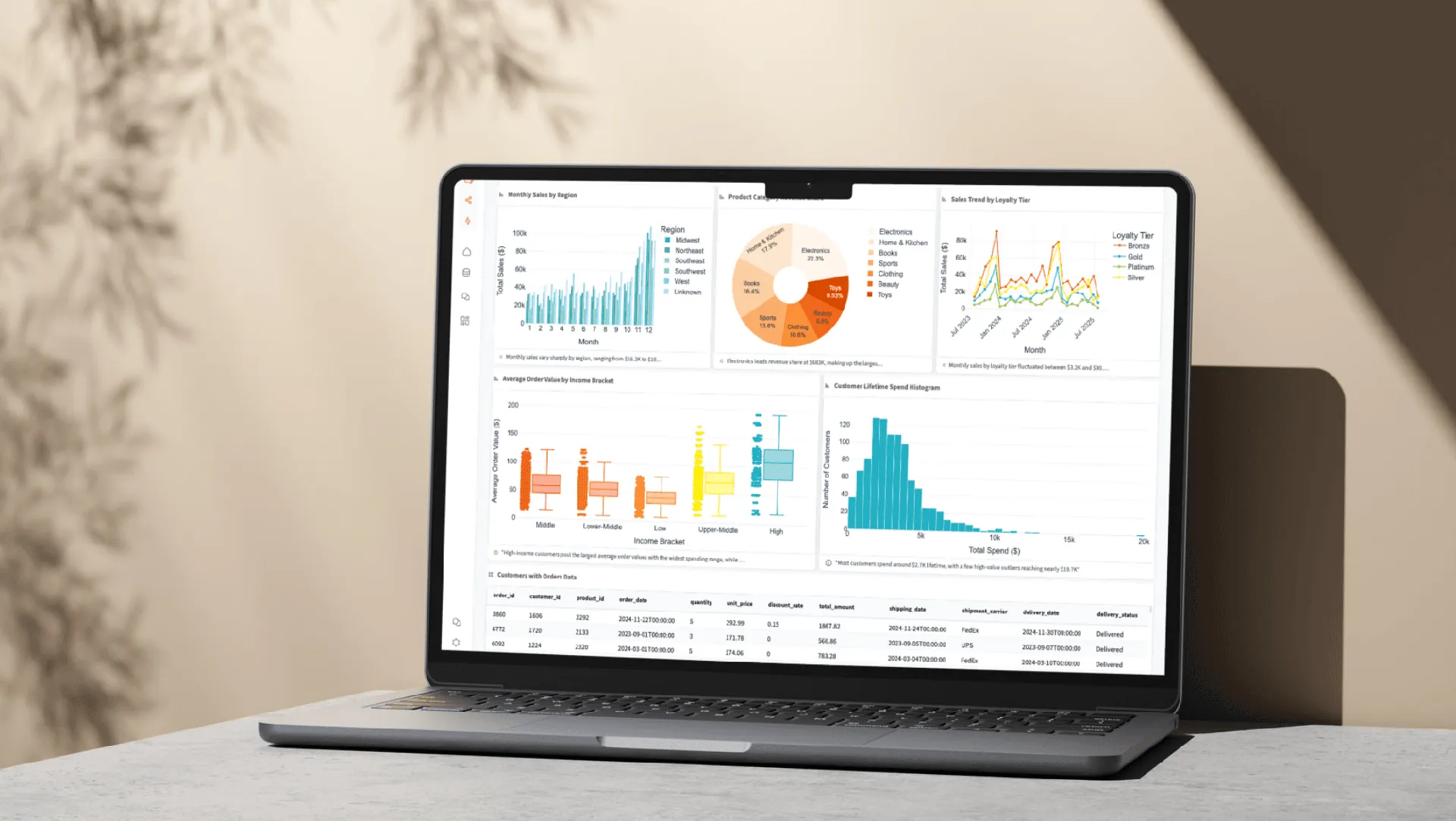
Yes. Querri offers drag-and-drop dashboards that you can populate with visualizations from your Drive file data. Choose from 8 chart types, set up auto-refresh schedules, and share or embed dashboards with your team.
Yes. Shared Google Sheets that you have access to can be selected through Google Picker and imported into Querri. Formulas are evaluated to their current values, so you always get the latest computed results from your collaborative sheets.