Connect Salesforce to Querri
Analyze your Salesforce data with AI-powered natural language queries. Understand your pipeline, track performance, and uncover insights across your entire CRM.
What Syncs from Salesforce
Querri connects to your Salesforce org via OAuth 2.0 and syncs the objects you need for analysis.
Accounts
Account records with industry, revenue, ownership, and hierarchy data
Contacts
Contact details, roles, engagement history, and custom fields
Opportunities
Full opportunity data including stages, amounts, probability, and close dates
Cases
Support cases with status, priority, resolution details, and SLA tracking
Custom Objects
Any custom Salesforce objects your org uses, synced with complete field data
Deep Pipeline Analytics
Go beyond standard Salesforce reports. Analyze opportunity stages, win rates, and deal velocity across segments, reps, and time periods with simple natural language questions.
Ask things like 'What's my win rate by lead source this quarter?' or 'Show me average deal size by industry over the past year' and get instant visualizations.
Analyze win rates by rep, segment, and lead source
Track deal velocity and identify pipeline bottlenecks
Forecast revenue with data-driven projections
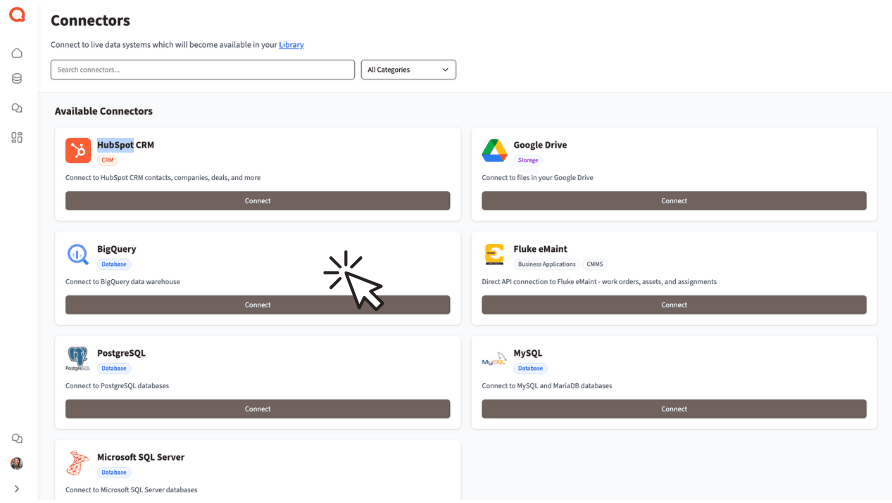
Cross-System Customer Intelligence
Combine Salesforce data with financial records, marketing platforms, or spreadsheets to build a complete view of your customers. Querri makes it easy to blend data without SQL or engineering support.
Discover which accounts drive the most revenue, correlate support cases with churn risk, or match campaign attribution to closed deals—all in one place.
Blend Salesforce with financial and marketing data
Correlate support activity with retention and churn
Build unified customer profiles across systems
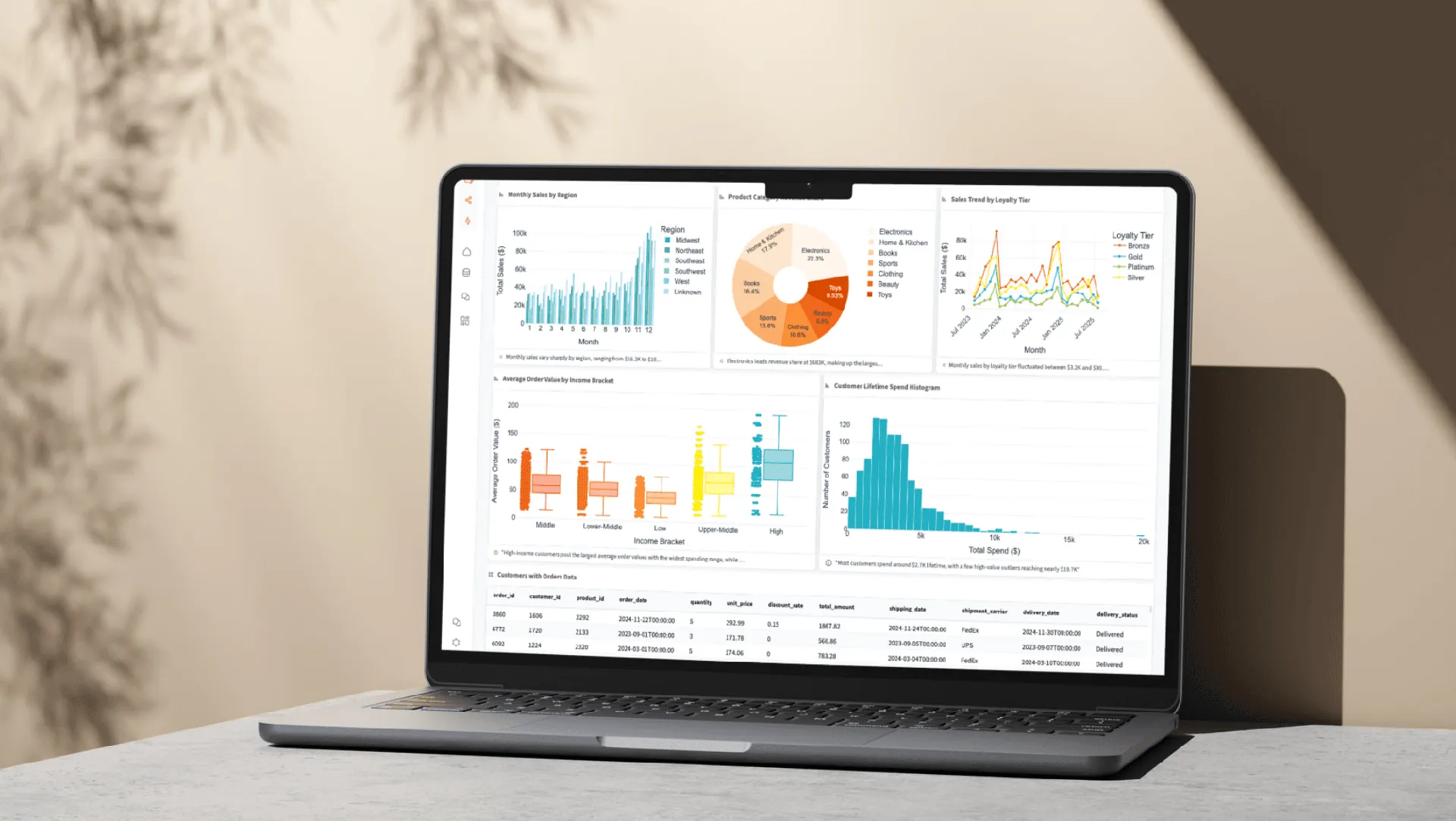
How the Integration Works
Early Release
The Salesforce integration launched in February 2026. Connect now and help shape the integration with your feedback.
Authentication
OAuth 2.0 authorization flow. Querri requests only the scopes needed to read your selected objects.
Security
All data encrypted in transit and at rest. Read-only access ensures your Salesforce data is never modified by Querri.
Custom Objects
Beyond standard objects, Querri syncs your custom Salesforce objects so you can analyze all your CRM data.
Explore More Integrations
Connect all your data sources to Querri for a complete picture.
Frequently Asked Questions
Common questions about connecting Salesforce to Querri.
Yes. Querri connects to your Salesforce org via OAuth 2.0 and lets you ask questions about accounts, contacts, opportunities, cases, and custom objects in plain English. No SOQL or report builder experience required.
Querri syncs accounts, contacts, opportunities, cases, and any custom objects in your org. Field-level permissions from your Salesforce configuration are respected, so users only see data they are authorized to access.
The Salesforce integration launched as an early release in February 2026. It is fully functional and available to all Querri users. Your feedback helps shape ongoing improvements to the integration.
Yes. Querri uses OAuth 2.0 authorization and requests only the scopes needed to read your selected objects. All data is encrypted in transit and at rest, and Querri maintains read-only access so your Salesforce records are never modified. Querri is SOC 2 Type II certified.
Querri lets you go beyond standard Salesforce reports by asking natural language questions like 'What is my win rate by lead source this quarter?' You get instant visualizations of pipeline health, deal velocity, and revenue projections without building custom report types.
Querri acts as an AI-powered analytics agent for your Salesforce data. Ask questions in conversational language, and Querri interprets your intent, queries the data, and returns charts and tables. It handles follow-up questions and builds on previous context.
Yes. Querri lets you blend Salesforce data with financial records from QuickBooks, marketing data from HubSpot, databases like PostgreSQL or Snowflake, and spreadsheets. This gives you cross-system visibility without data engineering.
Sign in to Querri, go to Settings, click Add Connector, and select Salesforce. You will authorize via an OAuth 2.0 popup directly with Salesforce. The connection takes under a minute and no API keys or passwords are needed.
Yes. Beyond standard objects like Accounts and Opportunities, Querri syncs any custom Salesforce objects your org uses. All custom fields and relationships are preserved so you can analyze your complete data model.
Yes. You can schedule any Querri analysis or dashboard to refresh automatically using cron scheduling. Reports built from Salesforce data stay current and can be shared via embedded links or white-labeled dashboards.
Yes. Querri operates within your Salesforce org-level permissions. Field-level security settings are respected, so restricted fields are not exposed in Querri even if the connected user has broader access.
Yes. Ask questions like 'What is my win rate by rep this quarter?' or 'Show average deal size by industry over the past year' and Querri returns instant charts and breakdowns. No report builder configuration needed.
Salesforce Einstein Analytics (CRM Analytics) is powerful but requires significant setup and Salesforce expertise. Querri provides a natural language interface that works immediately after connection, blends data across systems, and does not require additional Salesforce licenses.
Yes. Querri syncs your case data including status, priority, and resolution details. Ask questions like 'What is our average case resolution time by priority?' or 'Show open cases by category this month' for instant service analytics.
No. Querri maintains strictly read-only access to your Salesforce org. It will never create, update, or delete any records. Your Salesforce data remains untouched.