Connect QuickBooks to Querri
Turn your accounting data into actionable insights. Analyze invoices, expenses, cash flow, and financial reports with natural language—no accounting degree required.
What Syncs from QuickBooks
Querri automatically syncs your QuickBooks data every 6 hours so your financial analyses stay current.
Customers
Customer records with contact details, balances, and payment terms
Invoices
All invoices with line items, due dates, payment status, and aging data
Payments
Payment records including amounts, methods, dates, and applied invoices
Expenses
Expense transactions with categories, vendors, amounts, and dates
Items & Accounts
Products, services, and your full chart of accounts for detailed breakdowns
P&L & Balance Sheet
Profit & Loss and Balance Sheet reports for high-level financial analysis
Journal Entries
Journal entries for detailed accounting trail and reconciliation analysis
Financial Health at a Glance
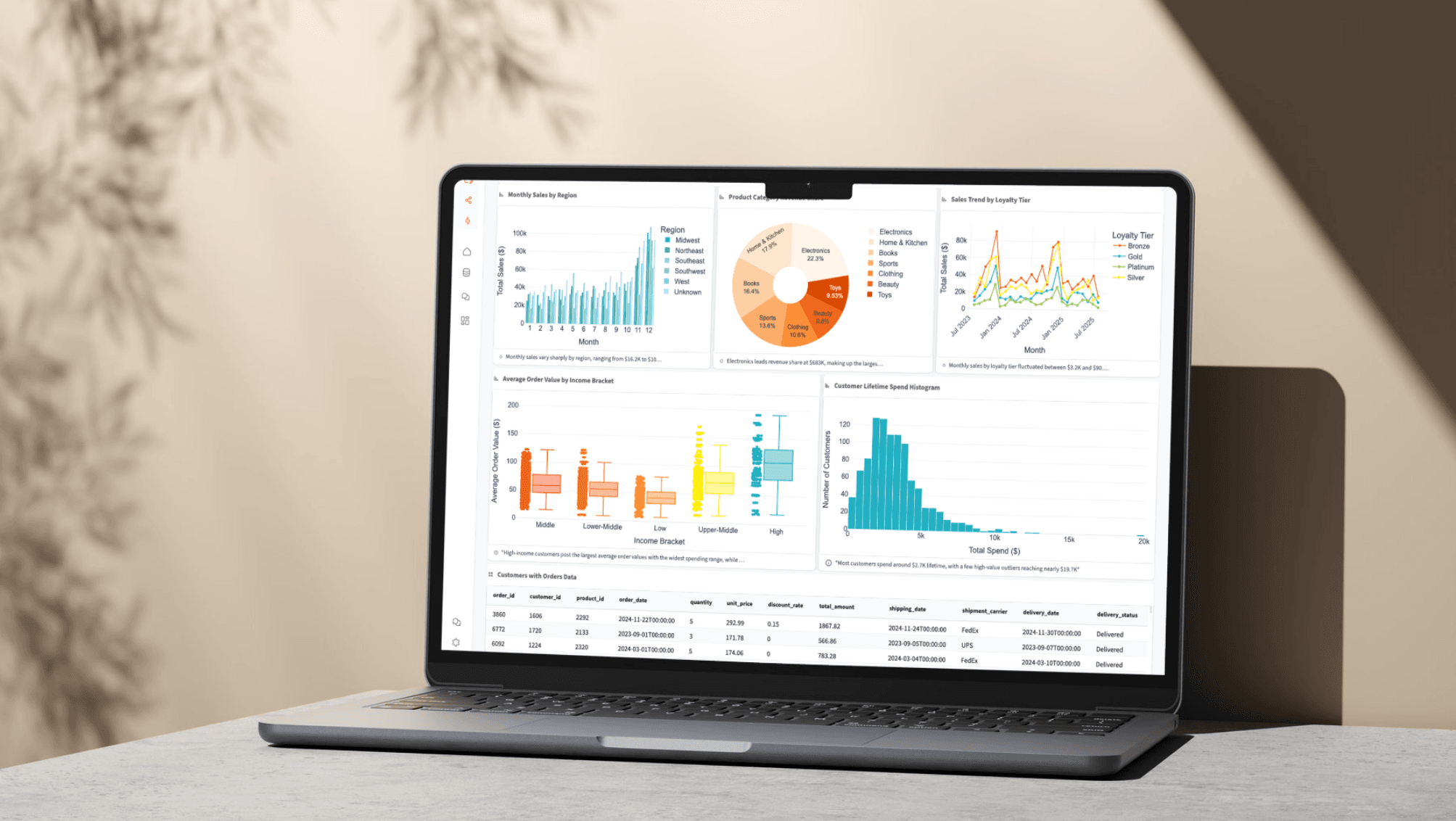
Stop exporting reports and wrestling with spreadsheets. Ask Querri plain-language questions about your P&L trends, expense breakdowns, and cash flow patterns and get clear answers instantly.
Ask things like 'What are my top expense categories this quarter vs. last?' or 'Show me monthly revenue trends for the past year' and get charts and tables you can share with your team.
Analyze P&L trends over any time period
Break down expenses by category, vendor, or month
Monitor cash flow patterns and seasonal trends
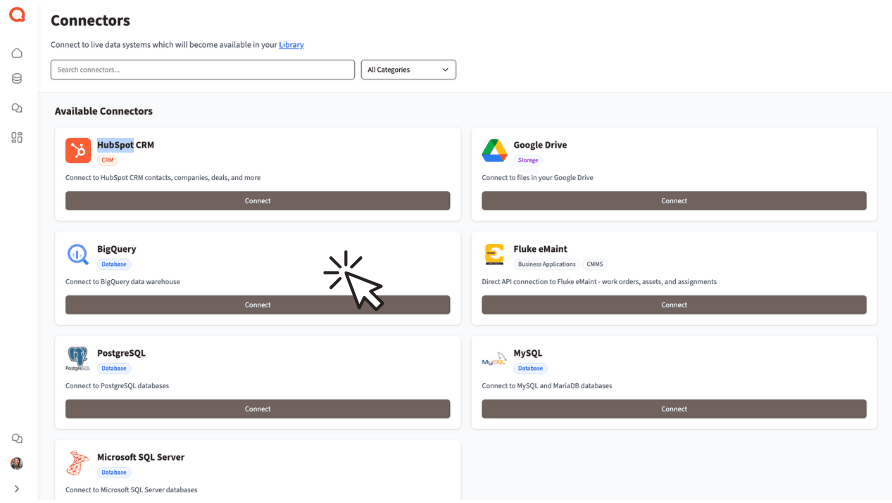
Revenue and Payment Analytics
Understand your receivables at a deeper level. Analyze invoice aging, track payment patterns by customer, and identify your most profitable clients—all without writing formulas or pivot tables.
Combine QuickBooks data with sales data from HubSpot or Salesforce to see the full customer journey from lead to revenue.
Track invoice aging and collection patterns
Identify your most and least profitable customers
Combine financial data with CRM for end-to-end visibility
How the Integration Works
Sync Frequency
Data syncs automatically every 6 hours. Your financial analyses always reflect your latest QuickBooks data.
Authentication
OAuth 2.0 with automatic token refresh. No QuickBooks passwords are ever stored by Querri.
Security
All data encrypted in transit and at rest. Querri is SOC 2 Type II certified for enterprise-grade security.
Read-Only Access
Querri only reads your QuickBooks data. Your books are never modified, preserving full accounting integrity.
Explore More Integrations
Connect all your data sources to Querri for a complete picture.
Frequently Asked Questions
Common questions about connecting QuickBooks to Querri.
Yes. Querri connects to QuickBooks Online via OAuth 2.0 and lets you ask questions about invoices, expenses, payments, and financial reports in plain English. No accounting or SQL knowledge is required.
Querri syncs customers, invoices, payments, expenses, items, accounts, journal entries, and financial reports including Profit & Loss and Balance Sheet. This gives you comprehensive coverage for financial analysis.
QuickBooks data syncs automatically every 6 hours. This ensures your financial analyses reflect recent transactions without manual exports or refreshes.
Yes. Querri uses OAuth 2.0 authorization through Intuit and never stores your QuickBooks password. All data is encrypted with AES-256 at rest and in transit. Querri maintains read-only access so your books are never modified. Querri is SOC 2 Type II certified.
Querri currently supports QuickBooks Online only. QuickBooks Desktop does not offer the API access needed for cloud-based integration. If you use Desktop, consider migrating to QuickBooks Online to take advantage of AI-powered analytics.
Querri is built for teams that want to go beyond QuickBooks' native reports. Ask questions like 'What are my top expense categories this quarter vs. last?' and get instant charts and trend analysis without exporting to spreadsheets.
Yes. Querri lets you ask natural language questions about your P&L, balance sheet, cash flow, and receivables. Get instant visualizations of revenue trends, expense breakdowns, and profitability analysis without manual report building.
Yes. Querri lets you blend QuickBooks financial data with CRM data from HubSpot or Salesforce, spreadsheets from Google Sheets, or databases like PostgreSQL. This enables end-to-end analysis from lead to revenue.
Sign in to Querri, go to Settings, click Add Connector, and select QuickBooks. You will authorize via an OAuth 2.0 popup with Intuit and select your company file. The connection takes under a minute.
Yes. You can schedule any Querri analysis or dashboard built from QuickBooks data to refresh automatically using cron scheduling. Share reports via embedded links or white-labeled dashboards with your team or clients.
Yes. Querri syncs your invoice data including due dates and payment status. Ask questions like 'Show me overdue invoices by customer' or 'What is my average days to payment this quarter?' and get instant AR insights.
Yes. By analyzing your payment and expense data over time, Querri can show cash flow patterns, seasonal trends, and forecasts. Ask questions like 'What is my monthly net cash flow for the past 12 months?' for instant charts.
No. Querri maintains strictly read-only access to your QuickBooks account. It will never create, update, or delete any transactions or records. Your accounting data integrity is fully preserved.
Yes. With invoice line items, payment records, and expense data all synced, you can ask questions like 'Which customers generate the most revenue?' or 'What is my profit margin by product category?' for detailed profitability breakdowns.
QuickBooks Advanced Reporting is limited to QuickBooks data and requires specific plan tiers. Querri provides natural language queries, cross-source data blending, 8 chart types, and scheduled dashboards that work across all your connected data sources.