Connect BigQuery to Querri
Bring your BigQuery data into Querri and ask questions about petabyte-scale datasets in plain language. OAuth 2.0 authentication with read-only access—no credentials to manage.
What You Can Analyze
Querri connects to your BigQuery projects and lets you query datasets of any size using natural language.
OAuth 2.0
One-click Google sign-in with no passwords or service accounts needed—connect in seconds
Petabyte Scale
Query massive datasets with automatic partition pruning to keep queries fast and cost-efficient
Nested Fields
Full support for nested and repeated fields, arrays, and structs—no flattening required
Multi-Project
Connect multiple Google Cloud projects as separate data sources within a single Querri workspace
Window Functions
Leverage BigQuery's advanced analytical functions for ranking, running totals, and time-series analysis
Cost Aware
Automatic partition pruning to minimize bytes scanned and keep your BigQuery costs under control
Ask Questions About Massive Datasets
BigQuery handles petabytes, and Querri makes that data accessible to everyone. Ask questions in plain language and Querri generates optimized SQL that leverages partitions, clustering, and BigQuery's execution engine.
Ask things like 'What are the top conversion paths by channel this quarter?' or 'Show me daily active users by region for the last 90 days' and get answers from terabytes of data in seconds.
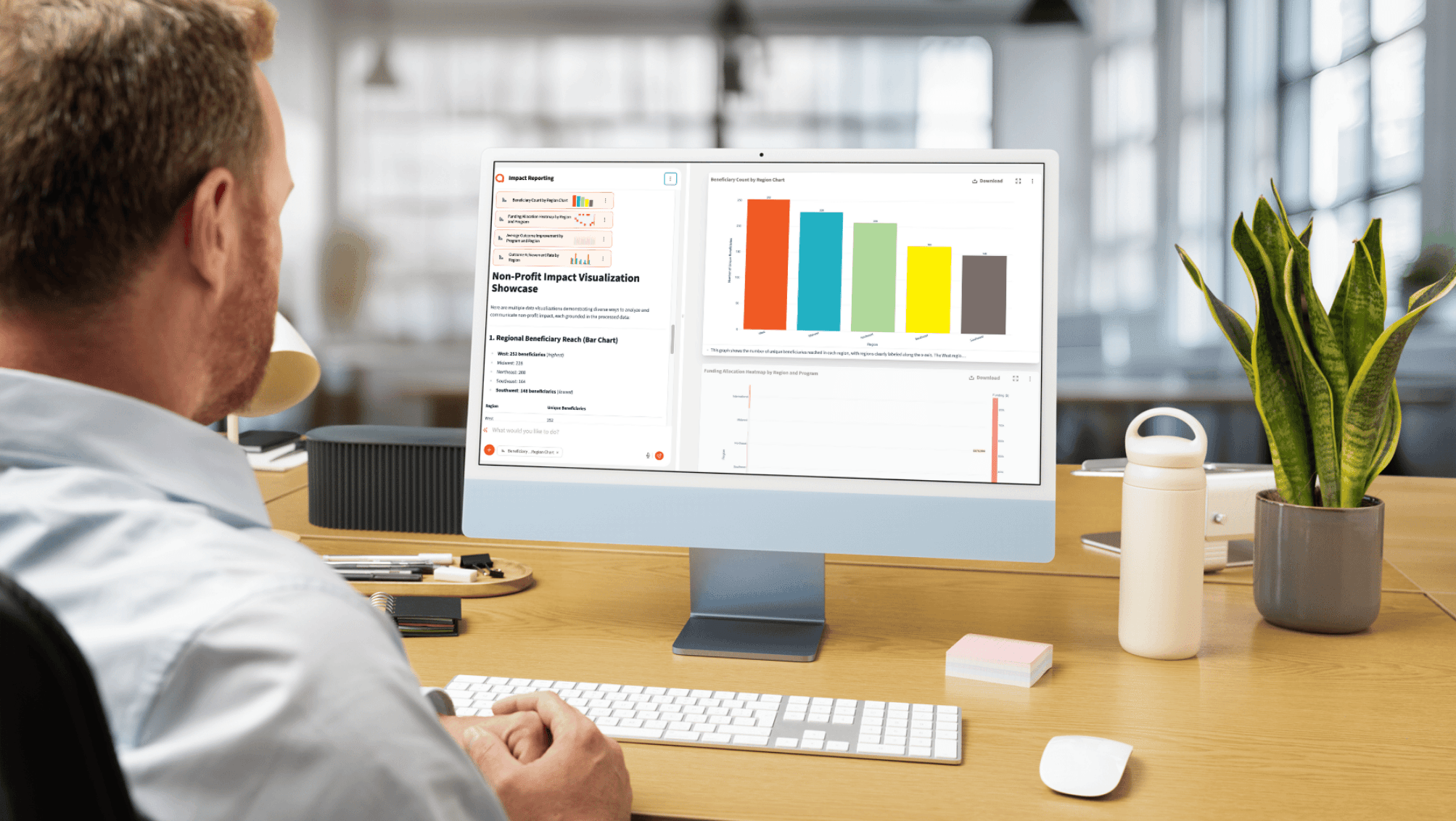
Query petabyte-scale datasets with plain language questions
Get instant visualizations from warehouse-scale data
Leverage partitioned and clustered tables automatically
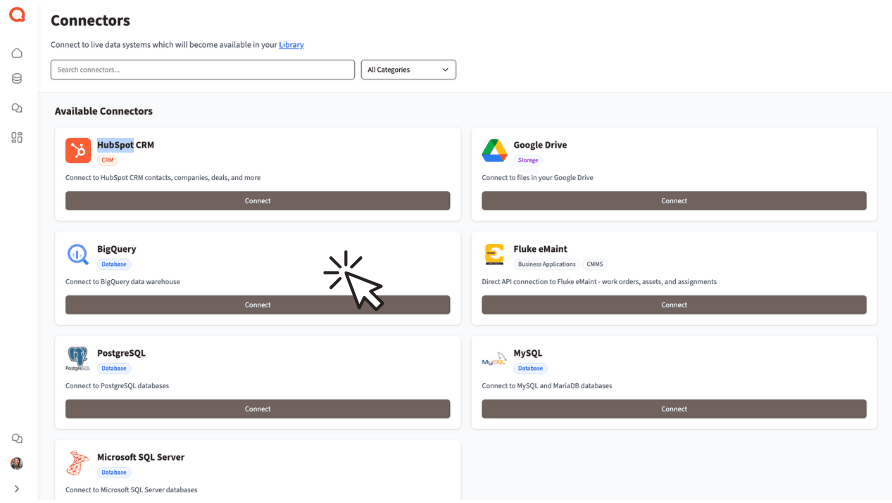
Combine BigQuery with Business Data
Your data warehouse holds the big picture, but business context lives in CRMs, spreadsheets, and operational tools. Combine BigQuery datasets with Salesforce, HubSpot, Google Sheets, and more—all inside Querri.
No additional ETL or data pipelines needed. Connect your sources and ask questions that span your warehouse and your business applications.
Blend warehouse data with CRM and marketing platforms
Join BigQuery tables with spreadsheets and operational data
Build cross-source dashboards without additional ETL
How the Integration Works
Authentication
OAuth 2.0 with read-only scopes. No passwords stored by Querri—just sign in with your Google account.
Security
Google OAuth token management with automatic refresh. Read-only access only—Querri never writes to your datasets.
Sync Method
Direct query access via BigQuery API with automatic partition pruning to minimize cost and maximize speed.
Access Control
Per-project connector with access limited to selected datasets only. Your IAM policies are fully respected.
Explore More Integrations
Connect all your data sources to Querri for a complete picture.
Frequently Asked Questions
Common questions about connecting BigQuery to Querri.
Querri is an AI-powered BigQuery analytics tool that lets anyone query petabyte-scale datasets using natural language. It connects via OAuth 2.0, auto-discovers your tables, and generates optimized SQL with automatic partition pruning to keep costs low.
Yes. Querri translates your plain-English questions into optimized BigQuery SQL automatically. Ask something like 'What are the top conversion paths by channel this quarter?' and Querri generates the query, leverages partitions and clustering, and returns interactive visualizations.
Go to Settings in Querri and click Add Connector. Select BigQuery and sign in with your Google account via OAuth 2.0. Select your project and dataset, and you're connected. No service account keys or passwords to manage.
Querri uses BigQuery's on-demand pricing, which charges per terabyte scanned. The first 1 TB per month is free. Querri minimizes costs by generating queries with automatic partition pruning and efficient filtering so you scan only the data you need.
Querri is SOC 2 Type II certified and connects to BigQuery using OAuth 2.0 with read-only scopes. No passwords are stored—Querri uses Google's token management with automatic refresh. Your IAM policies and dataset-level permissions are fully respected.
Yes. Querri fully supports BigQuery's nested and repeated fields, arrays, structs, and RECORD types. You can ask questions about nested data structures without needing to manually flatten or unnest them in your queries.
Yes. You can connect multiple Google Cloud projects as separate data sources within a single Querri workspace. Each project gets its own connector with independent OAuth authorization and dataset selection.
Yes. Querri provides drag-and-drop dashboards with 8 chart types powered by Plotly. Pin query results to dashboards, schedule automatic refreshes with cron scheduling, and embed dashboards into your applications using the Embed SDK.
Querri is designed for business users who need to visualize BigQuery data without SQL skills. Ask questions in natural language and get interactive Plotly charts including bar, line, scatter, pie, and area charts. Dashboards can be shared or embedded with white-label branding.
No. Querri queries BigQuery directly via the BigQuery API. Your data stays in Google Cloud at all times. Querri sends optimized queries and retrieves only the result sets needed to answer your questions.
Your Google Workspace administrator can resolve this by going to the Admin Console, navigating to Security > API controls > App access control, and marking Querri as a Trusted application. This allows OAuth authentication without changing your organization's security policies.
Yes. Querri lets you blend BigQuery datasets with data from Salesforce, HubSpot, Google Sheets, CSV files, PostgreSQL, and other connected sources. You can join warehouse data with business application data without building additional ETL pipelines.
Yes. Querri automatically applies partition pruning, uses appropriate filters, and avoids SELECT * patterns to minimize the bytes scanned per query. This helps keep your BigQuery costs under control, especially with large partitioned tables.
Yes. You can schedule any Querri query or dashboard to refresh on a cron schedule. This lets you build automated BigQuery reports that update daily, weekly, or at any interval without manual intervention.
Yes. Querri recognizes partitioned and clustered tables and generates queries that leverage partition pruning automatically. This means faster query execution and lower costs when querying time-partitioned or ingestion-time-partitioned tables.