Your customers keep asking for analytics and AI on their own data. Building it yourself turns into a second product to maintain.
Analytics and AI in your product, rolled out your way.
Embed one dashboard, a chat dock or the whole app, turn each piece on or off from a visual configurator, and send your engineers back to your product after one backend call.
Your customers ask. Your product answers.
In the app
The Embed Configurator, in Querri.
These are screenshots of Querri's Embed Configurator with a demo company's data. Every change shows in the live preview before you copy the snippet.
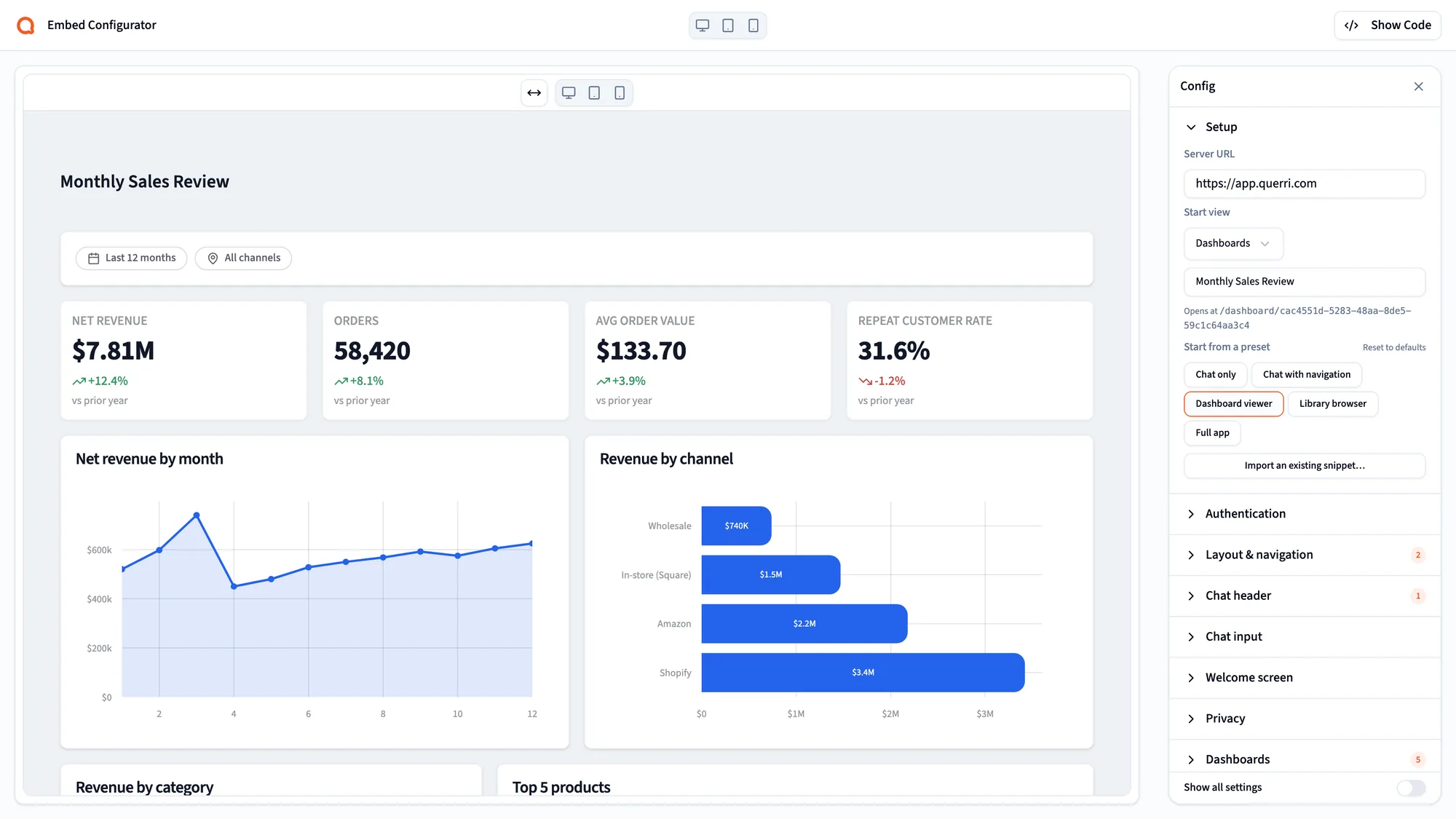
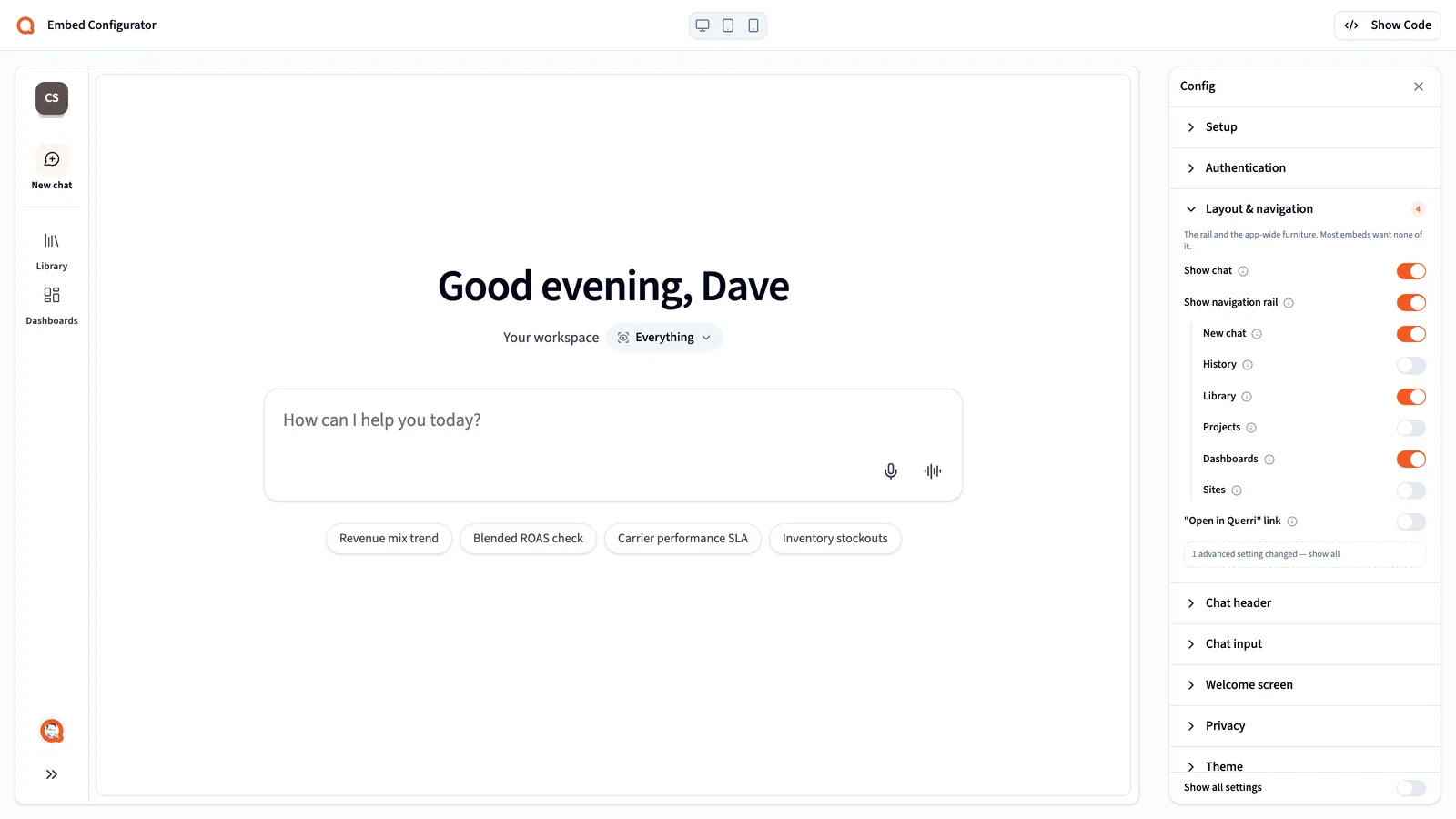
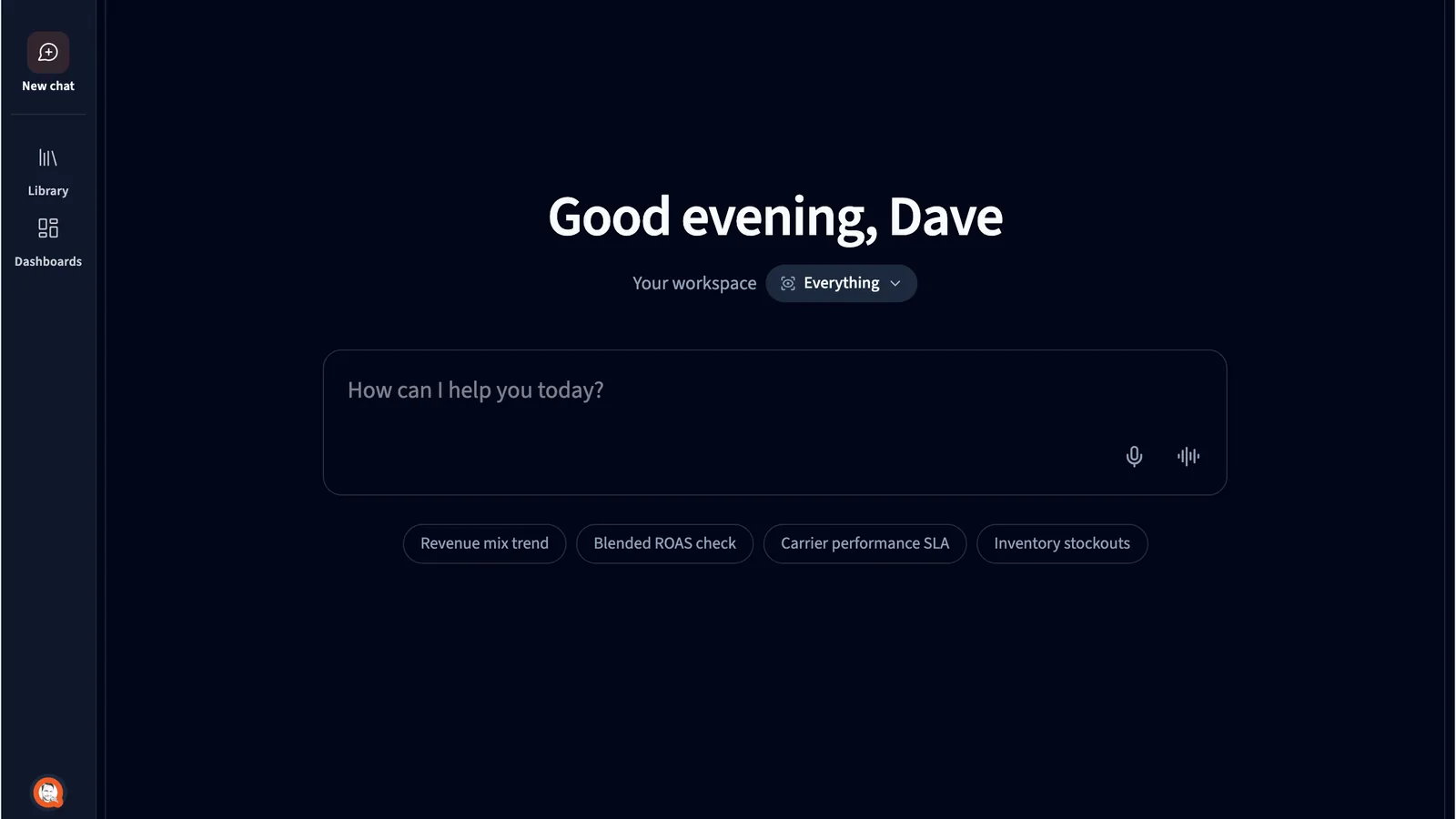
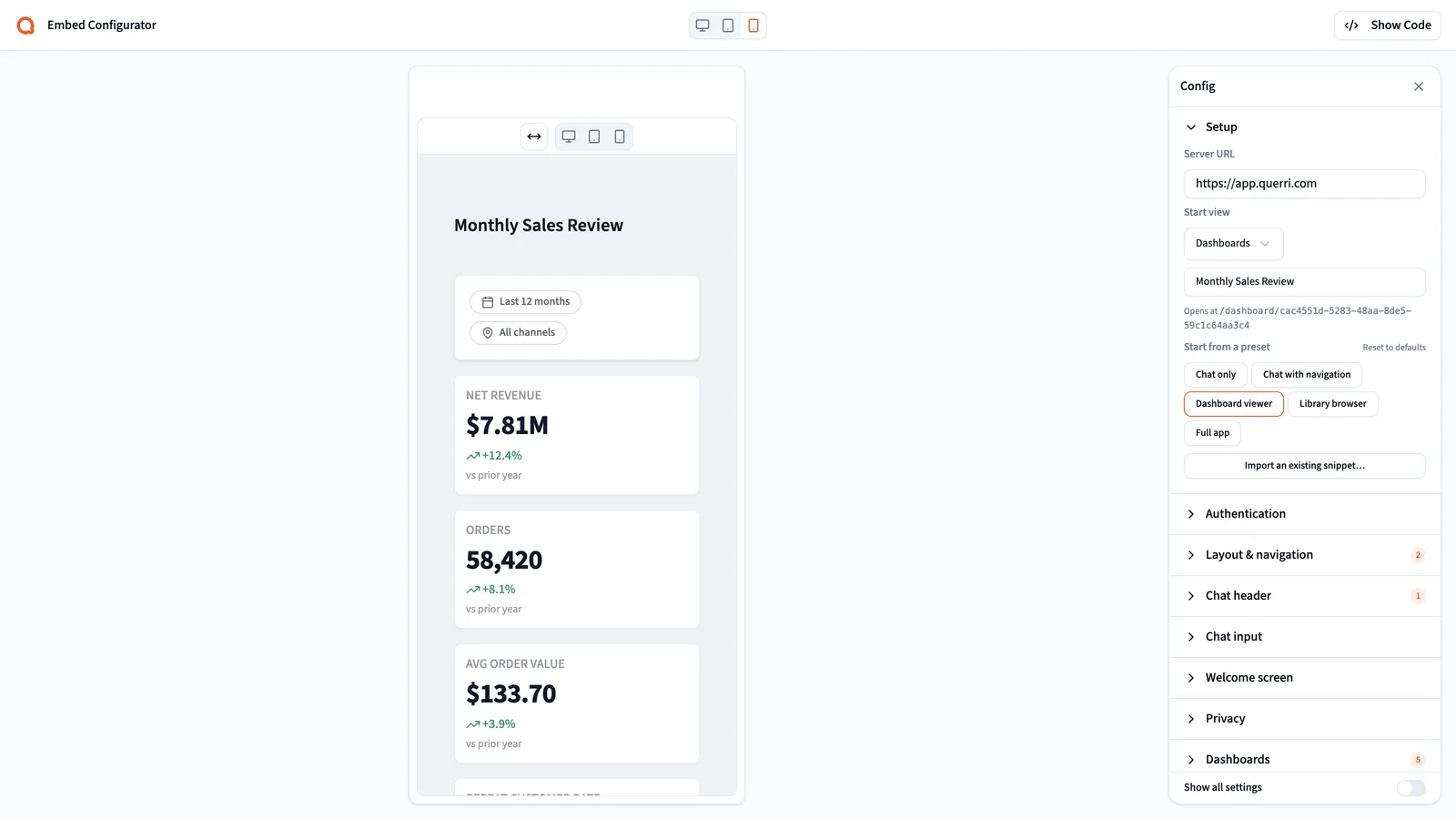
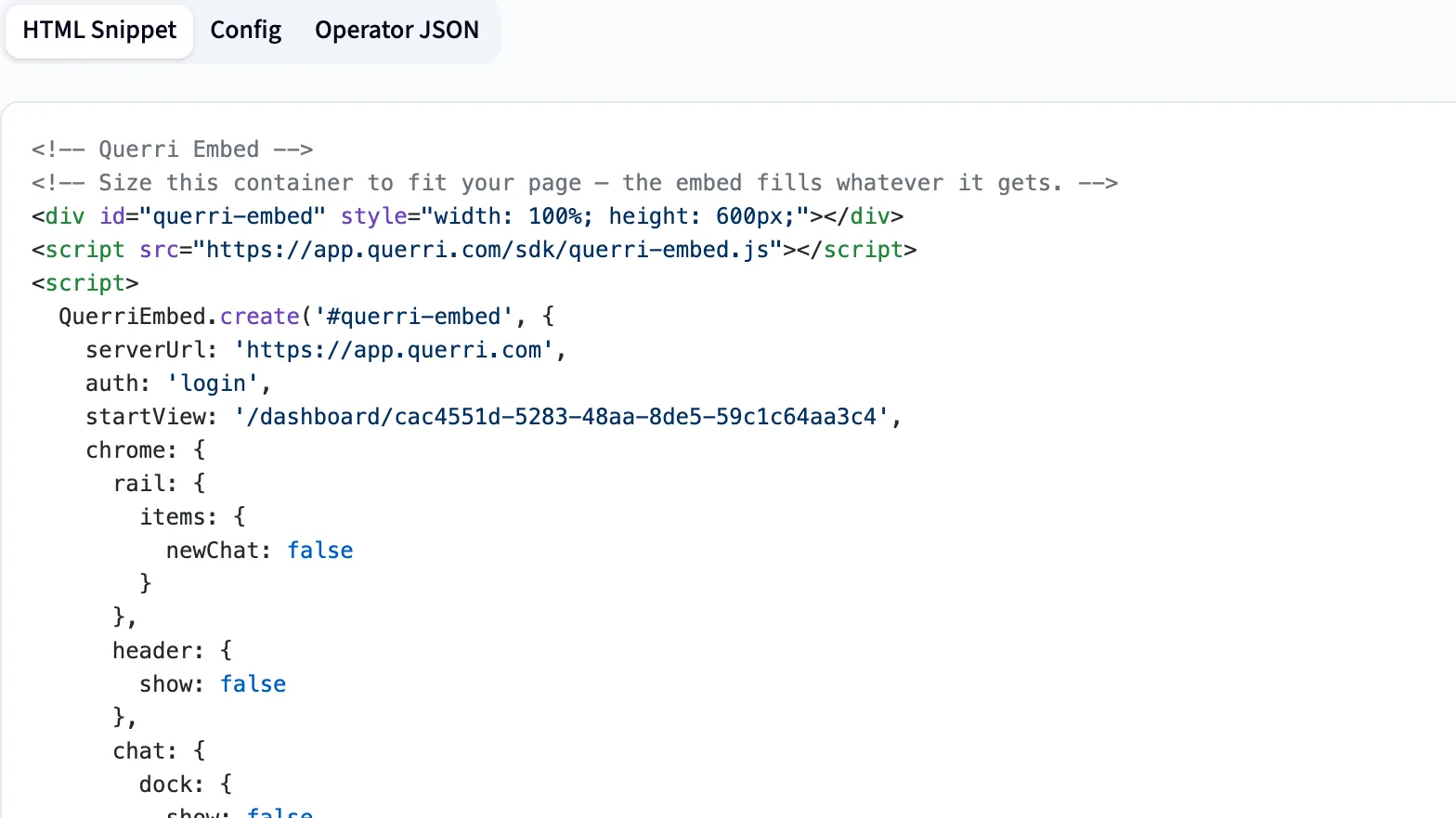
From one dashboard to the whole app. You choose what's on.
Pick a single dashboard, a chat dock, the Library or the whole app. The data, definitions and AI analysis come with it, so there's no model to build first.
- Set the rail, header, chat dock, composer, a welcome title with prompt buttons and the theme.
- Watch a live preview change as you go, then copy the snippet.
- Once the SDK is in, changing what your customers see is a settings change, not an engineering project.
Every one of your customers is a real user, with their own filter.
Your backend makes one call, getSession(), in Node, Python or PHP. It finds or creates the person by your own user ID, attaches their row filter and returns a short-lived session token. Your API key stays on your server.
The filter becomes a real access policy, so chat, projects, uploads and dashboards are filtered by the same engine as the main app. There's no separate embed security to get wrong.
const { session_token } = await client.getSession({ user: { external_id: 'usr_812' }, access: { filters: { tenant_id: 'acme' } }, });
Put a question button on your own screens. It asks Querri for you.
With sendPrompt(), a button in your app, like "Explain this month", sends a question to the embedded chat. The configurator decides whether your users see the AI's reasoning and plans, or only the answer.
- Read this month's orders
- Compared with last month
- Checked which accounts changed most
Your customers' data stays theirs.
Allowed domains only
Allowed Domains limits which sites can host the embed.
Admin settings stay out of reach
Embedded users can't open API keys, billing, security or other admin settings, even by typing the URL.
No recording by default
Session replay and user identification are off inside the embed unless you turn them on.
Certified, and never used for training
SOC 2 Type II, HIPAA and ISO 27001:2022 certified. Your data never trains a model.
Three steps. Then your engineers get back to your product.
- 1
Choose what shows
In Settings, Embed, open the configurator. Turn on a dashboard, the chat dock, the Library or the whole app, preview it and copy the snippet.
- 2
Start a session per user
Your backend calls getSession() with your user's ID and an optional row filter, and hands the browser a short-lived token.
- 3
Drop in the component
Use the React, Vue, Svelte or Angular component or the script-tag build, or the PHP package for Laravel, Symfony and WordPress.
One rollout, three groups who care how it goes.
Your customers
They ask the product they already use about their own data, and only ever see their own rows.
Your product team
Decide what to turn on and when: start with one dashboard, add the chat dock next quarter, open the full app to power users.
Your engineers
One backend call in Node, Python or PHP, a component for React, Vue, Svelte or Angular, a short-lived token in the browser, and the same row filters as the main app.
What product and engineering teams ask
What can we embed?
Anything from a single dashboard to the full Querri app: a dashboard, the chat dock, the Library or the whole app. Turn each piece on or off in the Embed Configurator, preview it and copy the snippet.
How does each customer see only their own data?
Your backend starts a session for each user by your own user ID and can attach a row filter, such as tenant_id = acme. That filter becomes a real access policy, so chat, projects, uploads and dashboards are all filtered by the same engine as the main app.
How much engineering work is it?
One backend call, getSession(), in Node, Python or PHP, plus a component for React, Vue, Svelte or Angular, a script-tag build, or the PHP package for Laravel, Symfony and WordPress. After that, what your customers see is a settings change.
Does our API key ever reach the browser?
No. Your backend exchanges the API key for a short-lived session token, and the browser only gets that token. Allowed Domains limits which sites can host the embed.
Can embedded users get into admin settings?
No. API keys, billing, security and other admin settings stay out of reach inside the embed, even if someone types the URL.
Are our users recorded or tracked inside the embed?
Not unless you turn it on. Session replay and user identification are off by default inside the embed.
We already embed dashboards from a BI tool. Why add this?
Keep them. Embedded dashboards answer the questions someone built them for. Querri adds AI your customers can ask anything, on data and definitions it already understands, without a model to build first.
For your team. And your customers too.
Start with one dashboard. Add the AI when your customers are ready for it.