Help and Learning Center
Getting started with Querri?
Explore these helpful resources.
FAQs
Get answers to frequently asked questions.
Querri Community
Ask for help, learn best practices, and find examples posted by fellow community members.
Start Guide
A quick step-by-step guide to get you started.
Documentation
Browse our full product documentation for in-depth guides and reference material.
Start here: what Querri is
In just over a minute, see how Querri works: ask a question in your own words and get the answer from your own data.
Start here: what Querri is
Video library
Short tutorials on every part of the product. Most run under three minutes.
Bring in and prepare your data
Connect your sources, then clean and organize what you bring in.

Add data to Querri
Upload files, connect a database or a business app, and find it all in the Library.
Tour the Library
See where your files, tables, collections, views, KPIs and facts live.
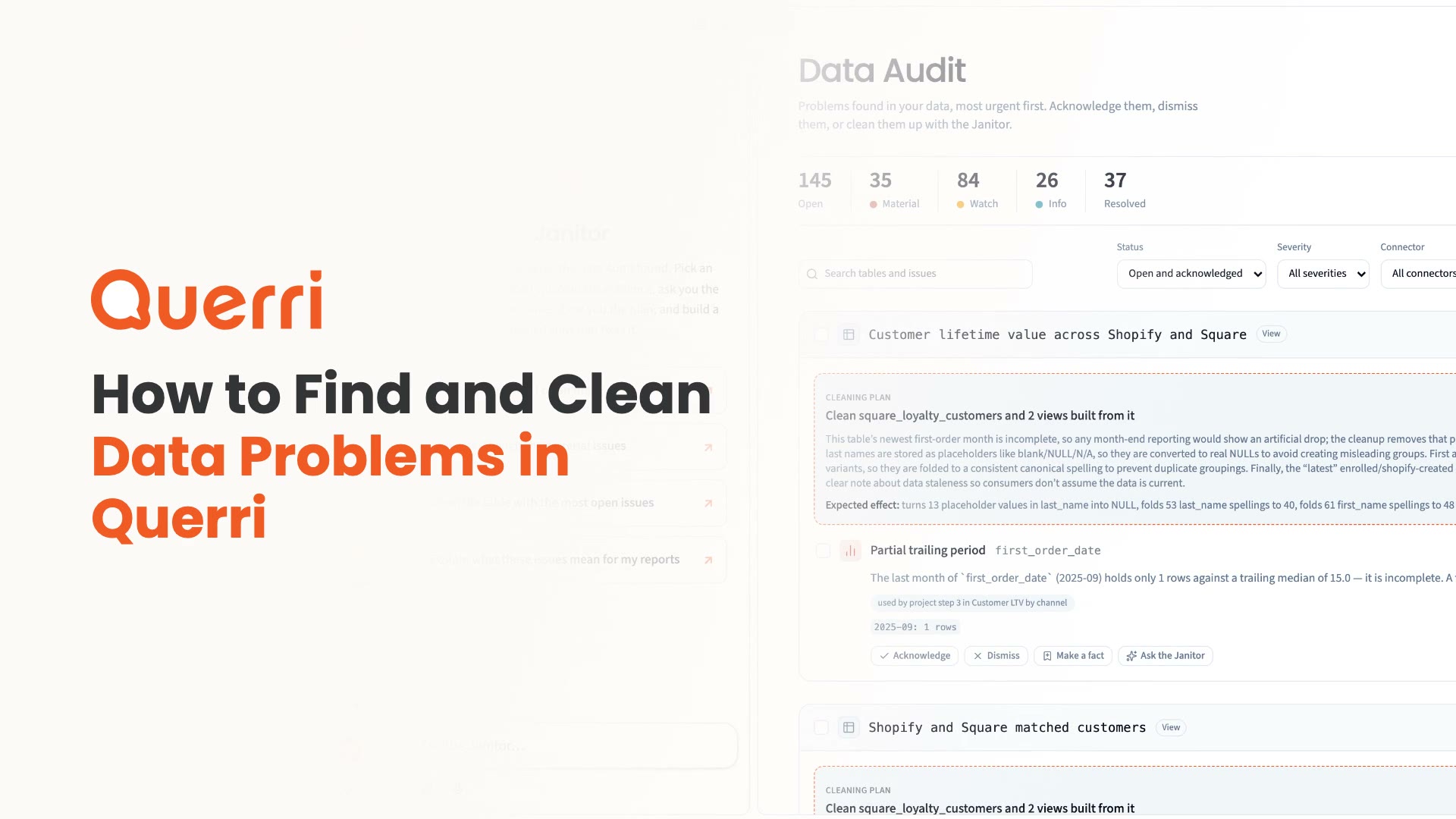
Find and clean data problems
Use the Data Audit to see what is wrong in your tables and decide what to fix.
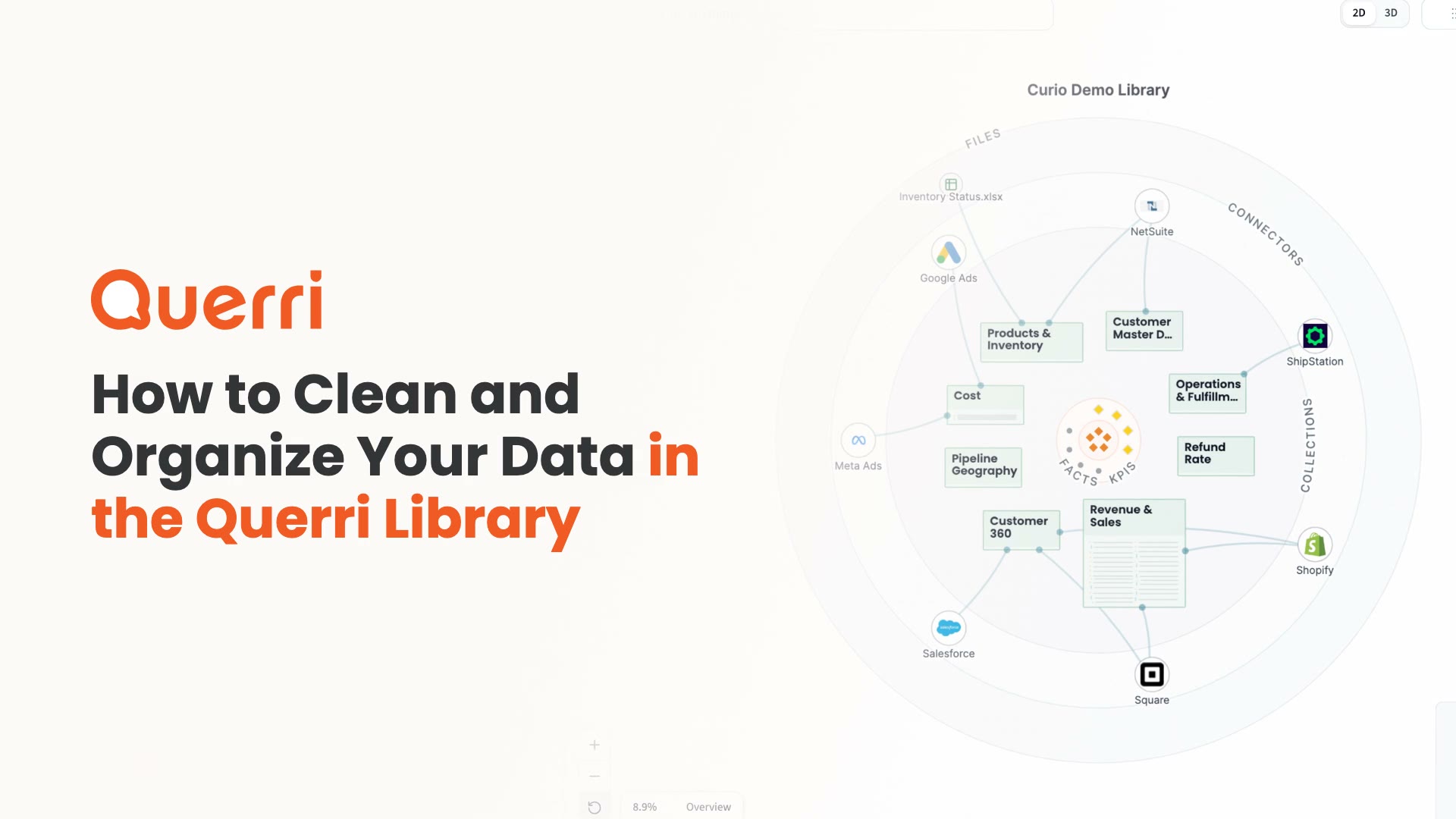
Clean and organize your data
Tell the Librarian your rules, and it builds clean views grouped by topic.
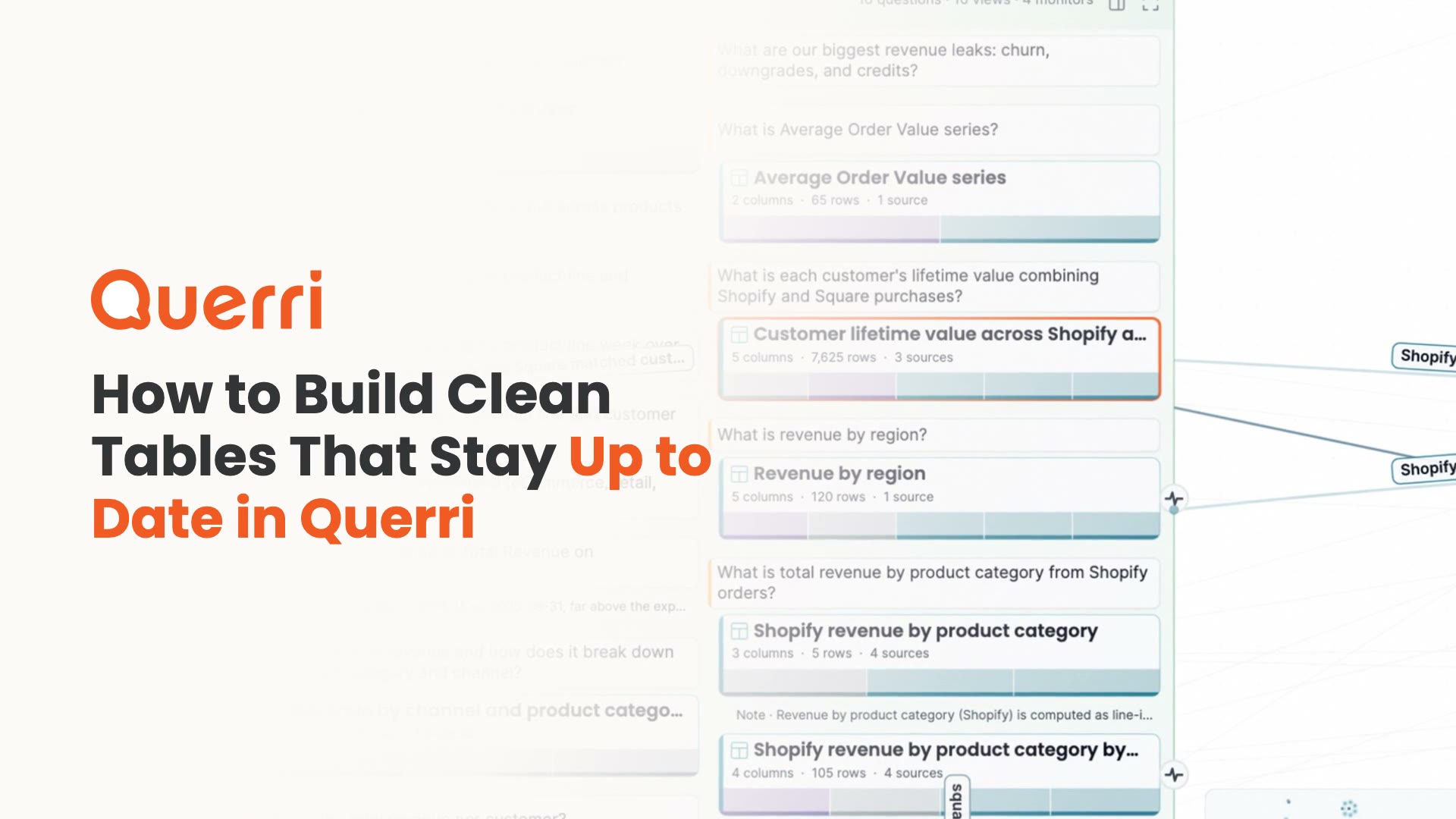
What a view is
A clean, joined table, built ahead of time, that your questions can rely on.
Add data to Querri
Upload files, connect a database or a business app, and find it all in the Library.
Tour the Library
See where your files, tables, collections, views, KPIs and facts live.
Find and clean data problems
Use the Data Audit to see what is wrong in your tables and decide what to fix.
Clean and organize your data
Tell the Librarian your rules, and it builds clean views grouped by topic.
What a view is
A clean, joined table, built ahead of time, that your questions can rely on.
Define what your numbers mean
Set up questions, KPIs and rules so everyone gets the same answer.
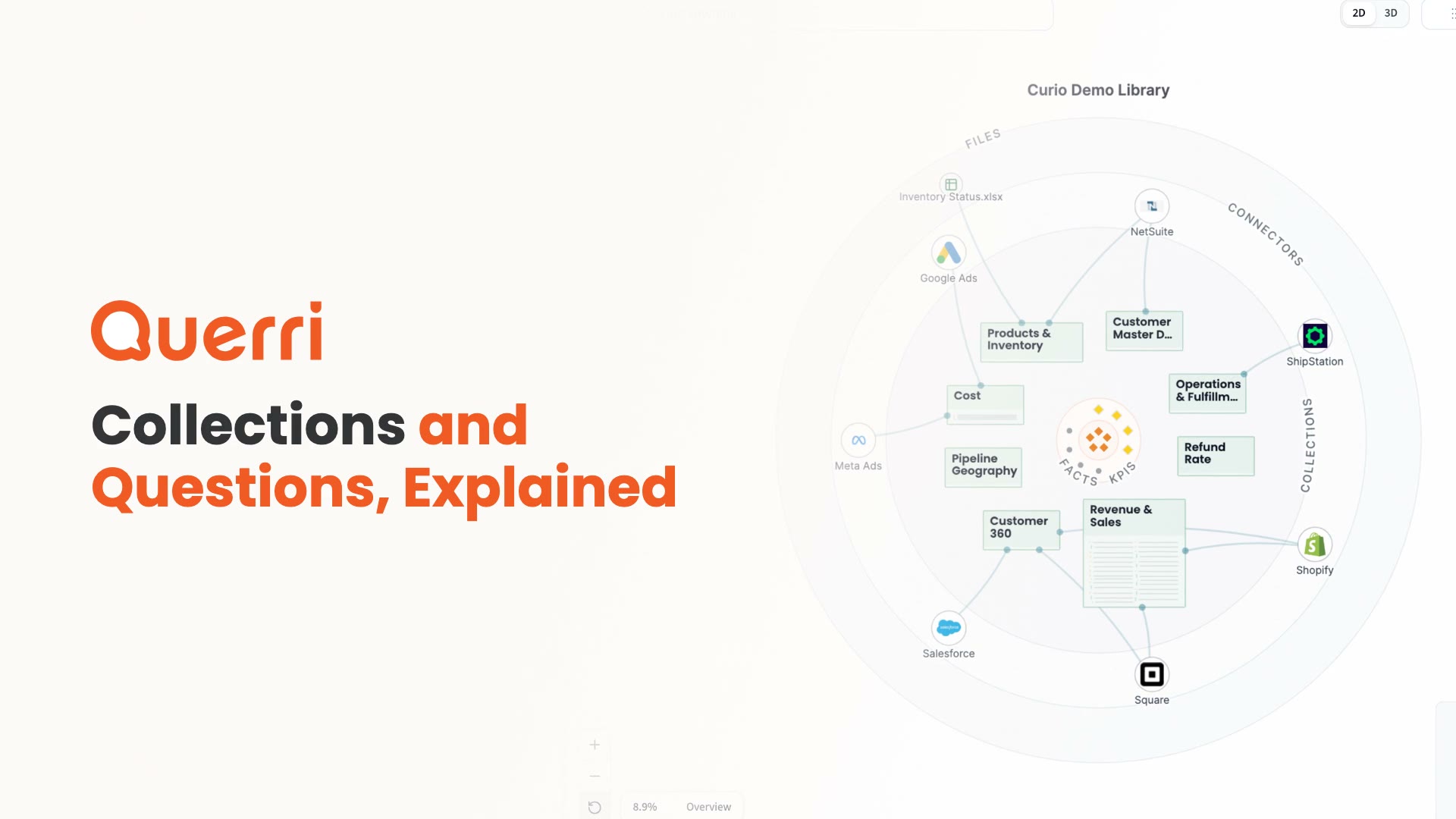
Collections and questions
Keep the questions, tables and rules for a topic together in one place.
KPIs
Define a number once so everyone who asks gets the same answer.
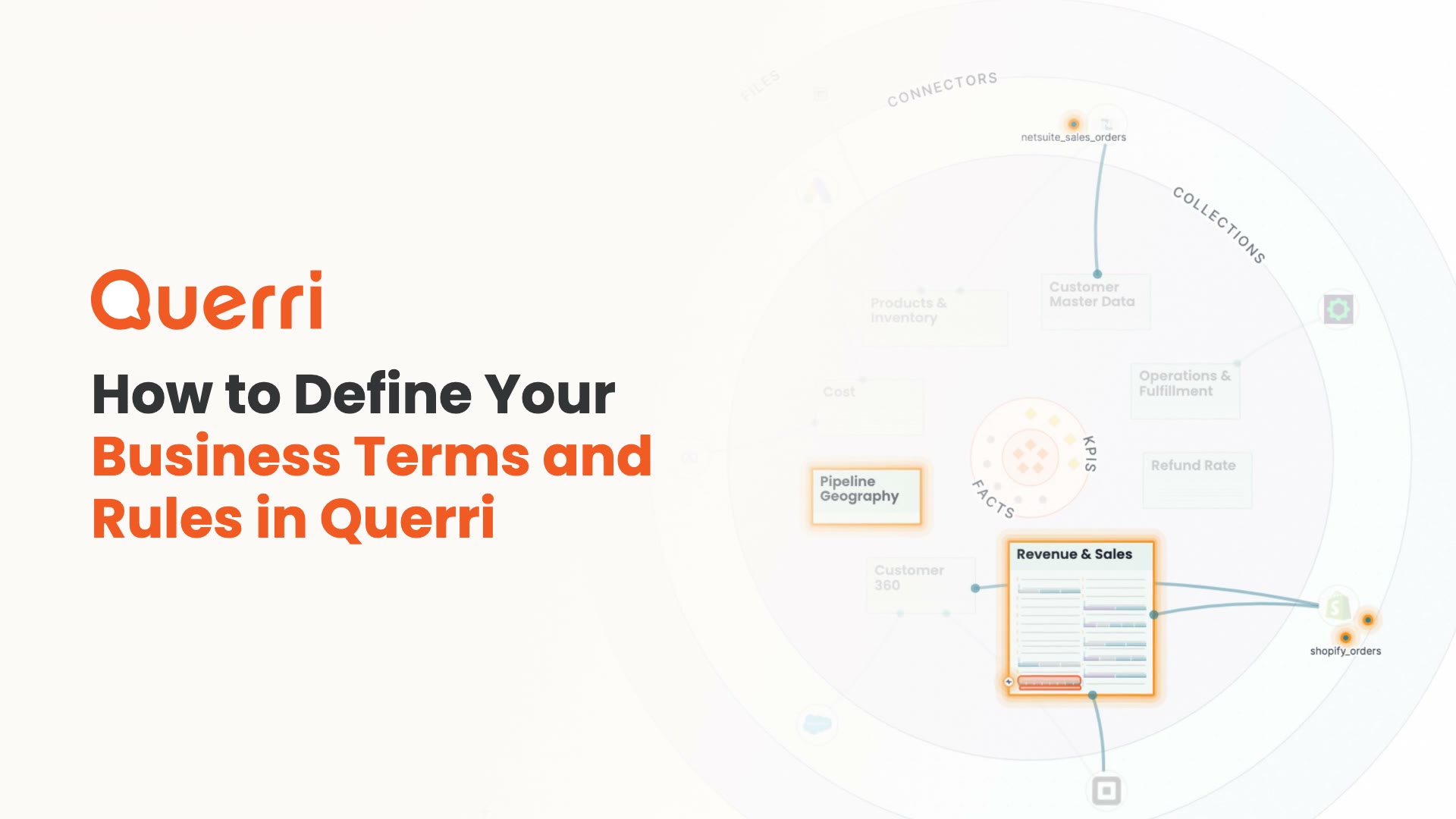
Facts and rules
Write down the business rules that every answer should follow.
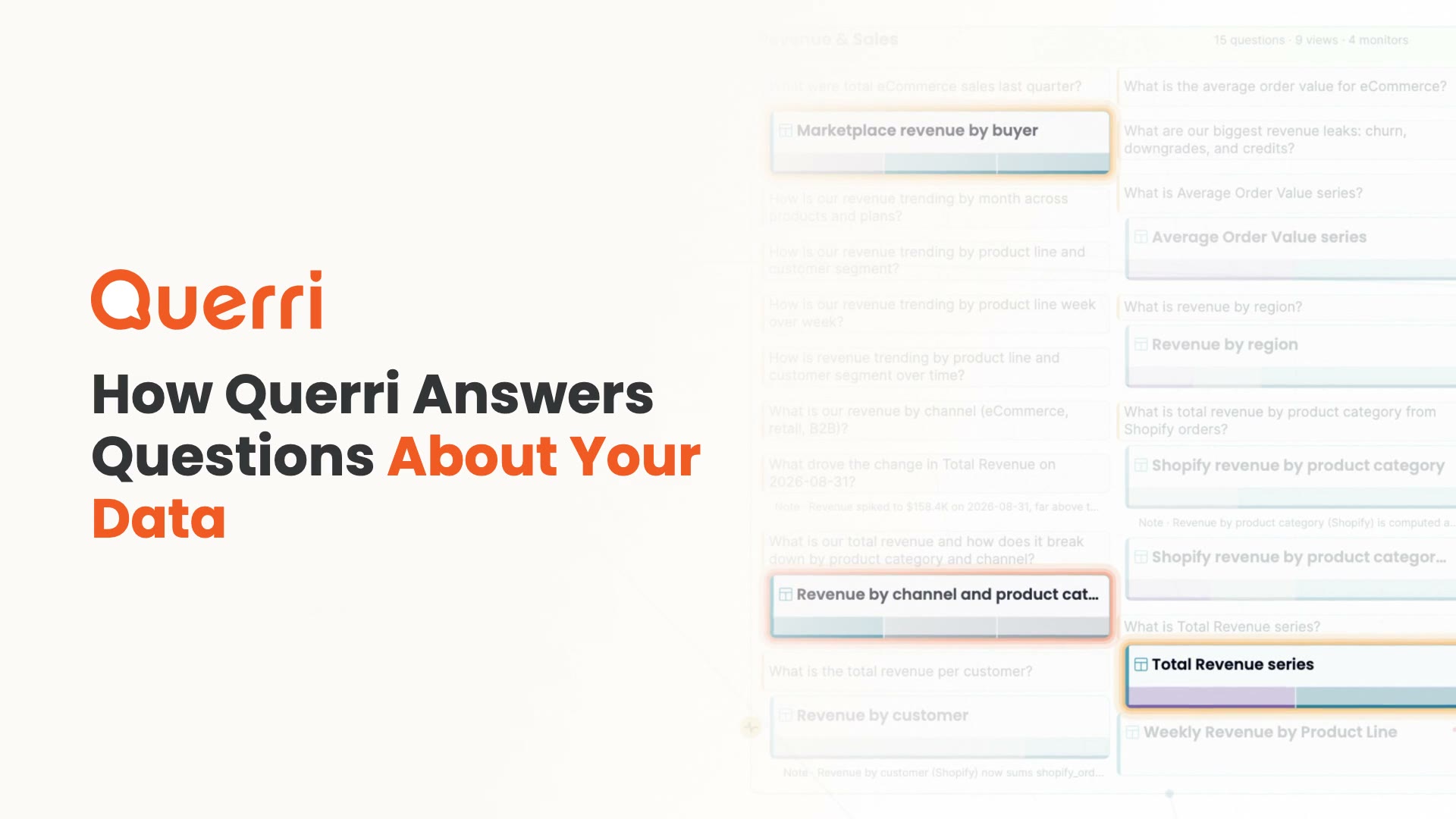
How Querri answers
Check any answer: what it read, the rows it got back and the query behind them.
Collections and questions
Keep the questions, tables and rules for a topic together in one place.
KPIs
Define a number once so everyone who asks gets the same answer.
Facts and rules
Write down the business rules that every answer should follow.
How Querri answers
Check any answer: what it read, the rows it got back and the query behind them.
Analyze, share and automate
Go deeper in projects, build dashboards and hand off the recurring work.
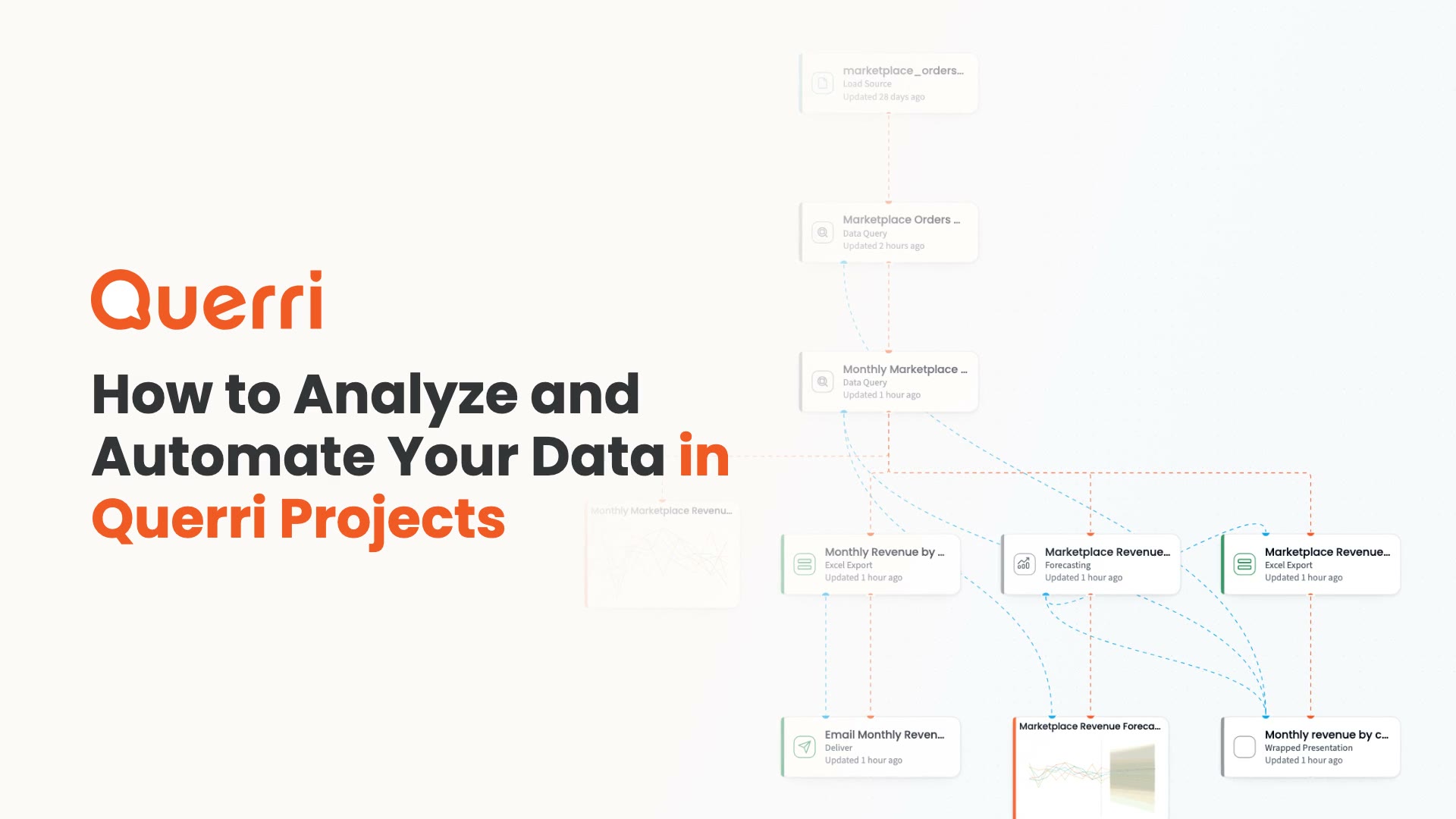
What a project is
Ask in plain language and get steps you can check, run again and schedule.
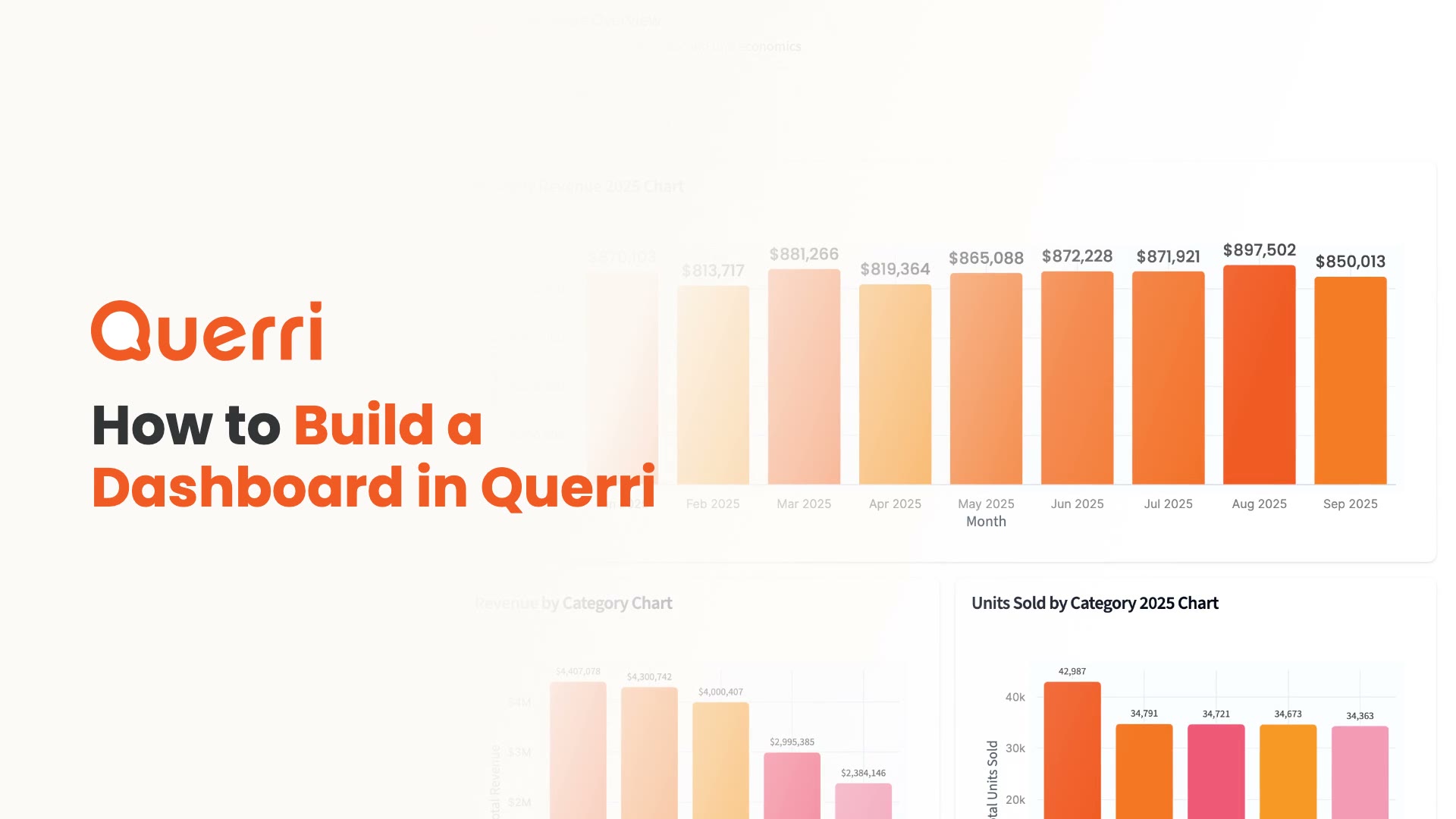
Build a dashboard
Put charts, tables and numbers on one page for your team.
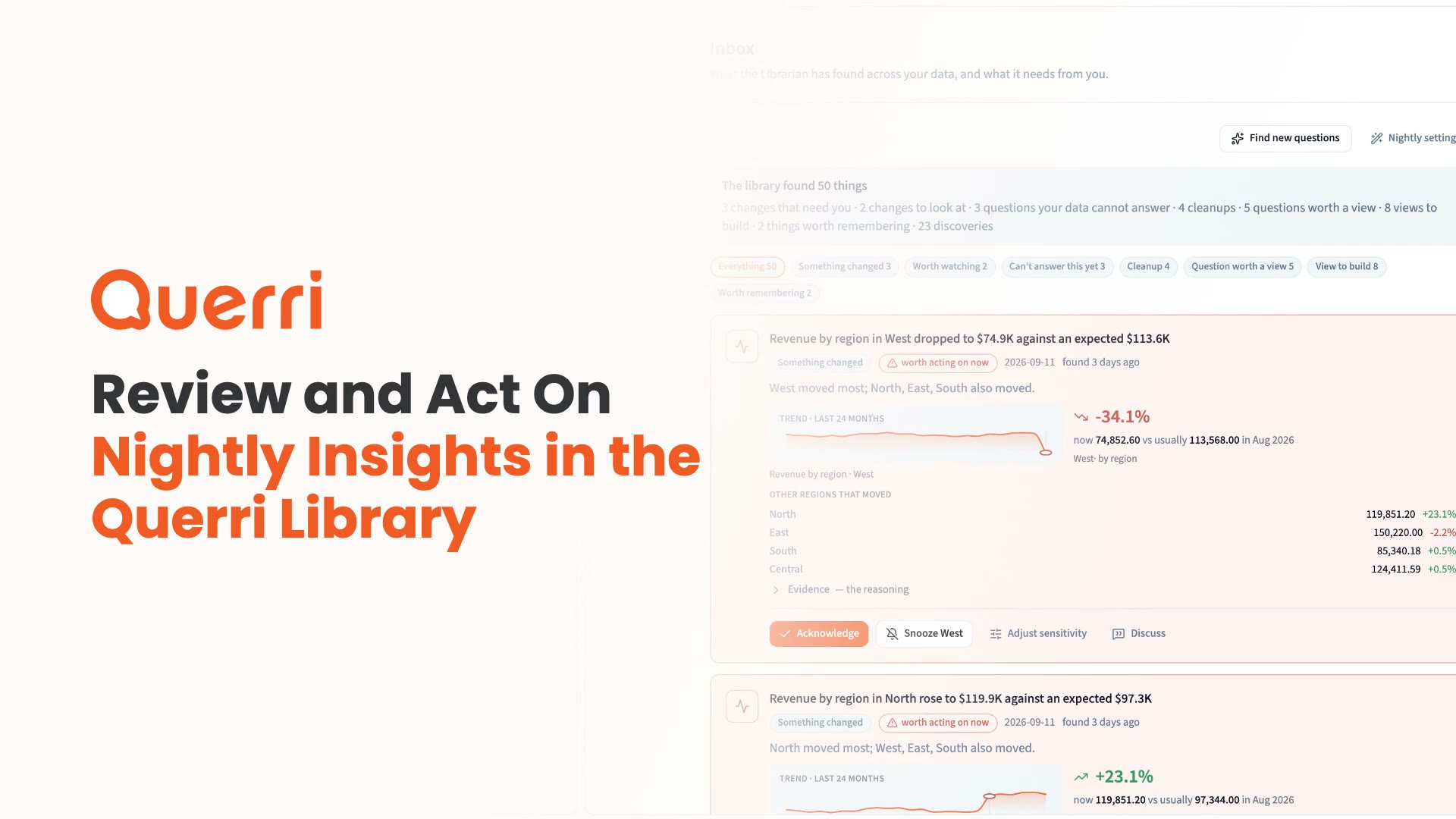
Your Inbox and the nightly pass
See what the Librarian found overnight and what it needs you to decide.
Skills
Write down how an analysis should go once, then reuse it in any chat.
What a project is
Ask in plain language and get steps you can check, run again and schedule.
Build a dashboard
Put charts, tables and numbers on one page for your team.
Your Inbox and the nightly pass
See what the Librarian found overnight and what it needs you to decide.
Skills
Write down how an analysis should go once, then reuse it in any chat.
Manage your team and account
Control who sees what and keep an eye on usage.
Workspaces for each team
Create a workspace per team or project and decide who can see it.
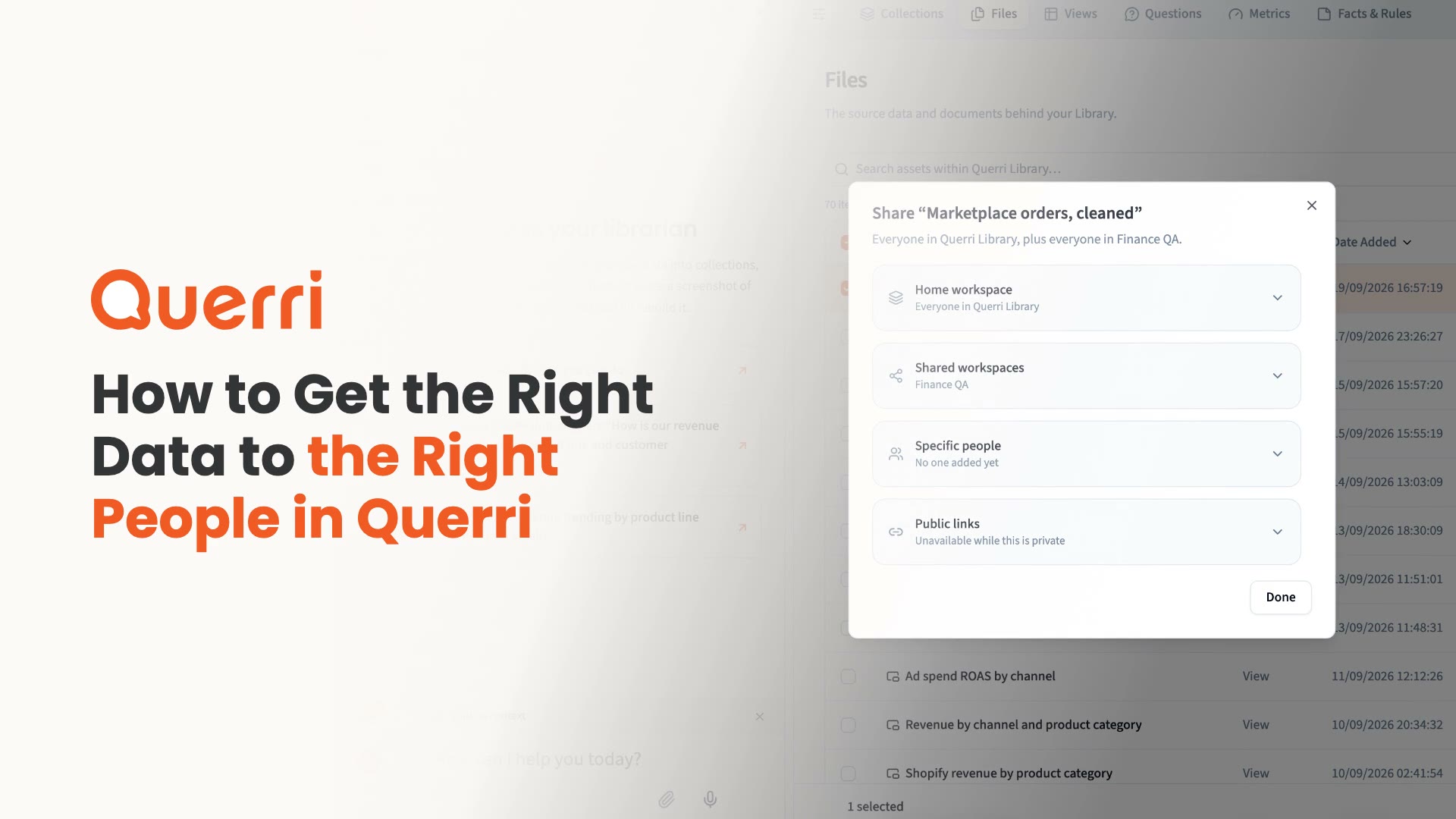
Who can see what
The four ways someone gets access, and where to set each one.

See where your credits go
Track usage by person, project, tool and more.
Workspaces for each team
Create a workspace per team or project and decide who can see it.
Who can see what
The four ways someone gets access, and where to set each one.
See where your credits go
Track usage by person, project, tool and more.
Step-by-step playbook tutorials
Follow along with full walkthroughs for marketing, RevOps, customer success and support teams.
Have Questions?
Click to read FAQ'sQuerri Learning
We publish new tutorials, playbooks and product updates on our YouTube channel. Subscribe there, or start with the tutorials playlist.
