Querri vs Power BI
Power BI is the BI tool everyone knows. Querri answers the questions nobody built a report for.
Same goal: trusted answers. A different starting point.
Power BI is mature, everywhere and priced low per seat, and every report still starts with someone modeling the data and writing DAX in Power BI Desktop. Querri is the question-first data platform. It starts from the questions your business asks and builds what's needed to answer them, on one predictable bill.
Time, cost and control
Answers this quarter, a bill that doesn't grow with every viewer, and no Power BI hire
Power BI is a tool for the people who build reports. Querri is the finished path from your systems to an answer for everyone else. Here's what that difference means for the business.
-
Answers in days, not after the model
A new Power BI report waits on a data model and someone who writes DAX. With Querri, you connect a system or upload a file and ask the same day.
-
A price that doesn't grow with every viewer
Below F64, everyone who views shared Power BI content needs a license, and Copilot needs capacity on top. Querri is one predictable bill: a monthly credit allowance tied to the work your team does, alerts before you reach it, and no automatic overage charges.
-
No Power BI developer required
Power BI works best with someone who models the data and keeps it current. In Querri, the people who already know the business decide what the numbers mean, in plain language.
-
Secure, auditable, nothing to rip out
SOC 2 Type II, HIPAA and ISO 27001:2022, and your data never trains a model. Every number shows its query, and Excel, Power BI and Microsoft 365 stay where they are.
Where each one fits
Pick by the team and the timeline you have
We'd rather you pick the right tool than pick us for the wrong reason. Here's where each one fits.
Choose Power BI when
- You have someone who builds and maintains Power BI models, or you're ready to hire one.
- You need pixel-level control over report design, custom visuals or paginated reports for print and regulators.
- Your company runs on Microsoft 365, and Entra ID, Purview labels and Teams must cover your reports too.
- Only a few people need to see reports, so $14 a seat is hard to beat, or you're large enough that F64 makes viewing free.
- Your people already know Power BI and Excel (Power BI has more than 425,000 customers), and the reports they rely on work.
Choose Querri when
- You want business answers in days, without a modeling project or a Power BI hire first.
- Your data lives in business systems (CRM, accounting, ERP, payments, spreadsheets), much of it outside Microsoft.
- The people who know what the numbers mean aren't report builders, and shouldn't have to write DAX to say so.
- You want dashboards everyone can see and ask questions of, with no viewer licenses and AI included in the plan.
- Your team works on Macs, in a browser, or in Claude and ChatGPT, not in a Windows desktop app.
Feature by feature
The detailed comparison
Every row says where each one is stronger. Where Power BI wins, we say so. Facts are current as of October 2026 and linked in the sources.
Power BI and Microsoft prices are US list from Microsoft's pricing pages and documentation as of October 15, 2026. Prices vary by region and agreement.
Pricing
Per-seat pricing is cheap until everyone needs a seat
Power BI Pro at $14 a user is a low price for a mature BI tool, and for a handful of report builders it's hard to beat. The bill grows with the people who view, AI sits on a separate capacity or a separate license, and the biggest cost isn't on Microsoft's price list at all: the person who builds and maintains the model.
How Power BI is billed
- Pro is $14 and Premium Per User $24 a user a month, paid yearly, up from $10 and $20 on April 1, 2025.
- Below F64, every person who views shared content needs Pro or PPU. Free viewing starts at F64, $8,409.60 a month at list.
- Copilot in Power BI needs paid capacity of F2 or above ($262.80 a month at list). Microsoft: "A Power BI Pro or Premium Per User (PPU) license alone isn't sufficient."
- Copilot is billed by tokens against that capacity, and the DAX queries and refreshes it triggers are billed separately.
- Microsoft 365 Copilot, at $30 a user a month (Copilot Business $21, up to 300 users), answers from Power BI models. People still need their Power BI license to see the content.
- Q&A, the natural-language feature that came with Pro, retires by the end of December 2026. Microsoft points users to Copilot.
When per-user pricing is the better deal
If a few people build reports and a few people view them, Pro at $14 a seat is a very low price for a mature BI tool. If your Microsoft agreement already covers Pro, it's cheaper still. And if you're large enough for F64, viewing is free for everyone. With a Power BI developer who keeps a clean semantic model, Copilot has something good to answer from. If that's your team, the guides below are where to start.
Where Power BI projects get stuck
Choosing Power BI? Set it up to last.
If Power BI is the right call for you, these are the practices that keep reports trustworthy and Copilot useful. Most are Microsoft's own documentation.
- Prepare your data for AI AI instructions, verified answers and a simpler schema so Copilot answers well. Microsoft Learn
- Use a star schema Microsoft's modeling guidance, the foundation every report and Copilot rests on. Microsoft Learn
- Set up a Fabric Copilot capacity Bill all Copilot use, including from Pro workspaces, to one F2 or larger capacity. Microsoft Learn
- Know your license types Who can share, who can view, and what changes at F64. Microsoft Learn
- Plan your refreshes Refresh limits by license, gateways and what to do when a model grows. Microsoft Learn
- Plan the implementation Microsoft's guide to rolling out Power BI: ownership, governance and support. Microsoft Learn
How Querri keeps the bill predictable
- One bill, no surprises. One plan for the whole organization, with the AI, storage and unlimited dashboard viewers included. See plans and pricing.
- One simple credit. A credit is a unit of business work, like answering a question or syncing a source, so usage is easy to understand and easy to plan for.
- Unlimited dashboard viewers on every plan. Viewing, uploads, exports and the Library never cost credits.
- Usage alerts at 80% of the plan, when it's over and on a spike, plus a monthly limit for any person.
- No automatic overage charges. We tell you as you approach your limit, and you decide what happens next.
- No capacity to buy for AI. Storage, the engine and the AI are in the plan.
Total cost
What it takes to get the first answer
Power BI's list price is the small part. Before a business user gets a trusted answer to a new question, someone prepares the data, builds the model and the report, and keeps it running. Here's the Power BI path for a company where about 100 people need to see reports, next to Querri.
The Power BI path is our arithmetic from Microsoft's US list prices and the salary averages in the linked sources, not a quote. If your Microsoft agreement already includes Pro, or you already have the developer, those lines are costs you've already chosen.
Built in, not assembled
Everything between your data and the answer, in one product
On the Power BI path, these are separate jobs: preparing data, modeling it, licensing viewers, adding AI. In Querri they're one chain: new data rebuilds the views on it, KPIs recompute and every dashboard refresh replays its saved query, so any number traces back to its source.
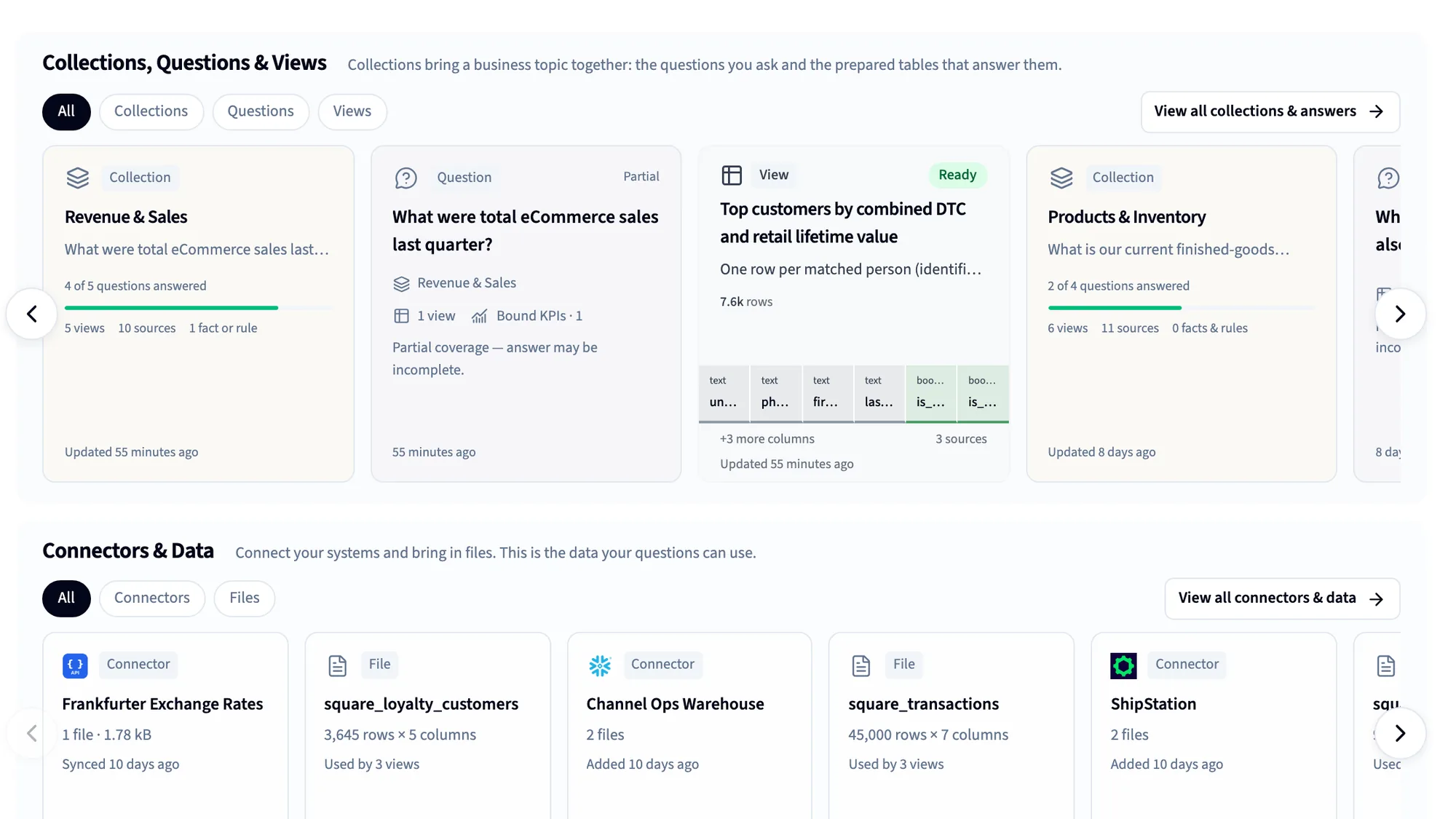
125+ connectors
CRM, accounting, ERP, payments, ads and databases, plus spreadsheets and files.
Automatic data cleaning
More than 180 checks on every table, and the Janitor to fix what they find.
The Library
A business-first semantic layer: definitions, KPIs and rules, taught by saying them.
Dashboards
Built by asking or from a screenshot, shared with unlimited viewers.
Nightly insights and Monitors
Querri works through your data overnight and shows what changed.
MCP for Claude and ChatGPT
Every assistant answers from the same definitions, under each person's access.
Reports and Excel
Scheduled projects, formatted workbooks and decks, delivered for you.
White label and embed
Bring the same understanding inside your own product, under your brand.
Using both
How Power BI and Querri work together
Plenty of teams will run both, and that's a good setup. Keep Power BI for the reports your people rely on, and let Querri be where the business asks the questions nobody built a report for. Querri doesn't connect to Power BI itself; it works from the same sources and the same spreadsheets.
Keep in Power BI
- The reports your board relies on
- Pixel-perfect and paginated reports
- Excel connected to your semantic models
- Reports in Teams and Microsoft 365
Do in Querri
- Questions nobody built a report for
- Data that lives outside Microsoft
- Dashboards for everyone, with no viewer licenses
- AI answers in Querri, Claude and ChatGPT
How they fit together
-
Querri doesn't read Power BI semantic models or reports. It connects to the sources they're built on, such as SQL Server, Azure SQL, PostgreSQL, MySQL and Snowflake, and to 125+ business systems.
-
Excel works both ways. Drop in a workbook or a table exported from Power BI, up to 2 GB, and Querri finds the table inside it. Send formatted workbooks back out on a schedule.
-
Paste a screenshot of a Power BI dashboard you rely on, and Querri rebuilds it on your own data, then you change it by asking. Your DAX doesn't come across: Querri works each number out from the source data and shows the query.
-
Connect Claude or ChatGPT to Querri, and people can ask from the assistant they already use. Querri never writes back to your sources, and your data is never used to train any model.
FAQ
Questions people ask when comparing Querri and Power BI
How much does Power BI cost in 2026?
At US list prices, Power BI Pro is $14 per user per month and Premium Per User is $24, paid yearly, up from $10 and $20 in April 2025. Below F64 capacity, everyone who views shared content needs one of those licenses. Copilot in Power BI needs paid Fabric capacity of F2 or above ($262.80 a month at list), and Microsoft 365 Copilot is $30 a user a month. Querri is one predictable plan with AI and unlimited dashboard viewers included; see current plans.
Do Power BI viewers need a license?
Yes, unless the content is in a workspace on F64 or larger capacity (or Premium P1 and above). Free users can't view content others share in Pro workspaces. F64 lists at about $8,400 a month, so most smaller companies license every viewer at $14 a month. Querri includes unlimited dashboard viewers on every plan, including Free.
Does Copilot in Power BI cost extra?
Copilot has no separate fee, but it needs paid Fabric capacity of F2 or above, or Premium P1 and above. Microsoft says a Pro or PPU license alone isn't sufficient, and trial capacities aren't supported. Copilot is billed by tokens against that capacity, so heavy use competes with your reports. In Querri, AI is included on every plan.
Can Microsoft 365 Copilot answer questions from Power BI?
Yes. Since late August 2026, Microsoft 365 Copilot can answer questions from Power BI reports and semantic models, on by default, with a Microsoft 365 Copilot license ($30 a user a month, or $21 on Copilot Business for up to 300 users). It answers from the semantic model, so it's only as good as that model, and people still need their Power BI license to see the content.
What happens to Power BI Q&A?
Microsoft is retiring Q&A, Power BI's original natural-language feature, and Q&A setup by the end of December 2026, and pointing users to Copilot. For a company on Pro licenses alone, that removes the built-in way to ask questions in plain language unless it adds capacity or Copilot licenses. Querri includes plain-language questions on every plan, including Free.
Does Power BI work on a Mac?
Power BI Desktop, where reports and models are built, needs Windows 10 or later, so Mac users run it on a Windows cloud PC, such as Windows 365 or Azure Virtual Desktop. Viewing and light editing work in the Power BI service in a browser. Querri runs in any modern browser on Mac, Windows or Linux, and inside Claude and ChatGPT.
Do I need to learn DAX to use Power BI?
To view and filter reports, no. To build measures, time comparisons and custom calculations, yes: DAX is the language, and it takes real practice. Copilot can draft DAX, and someone still has to check it. In Querri, you say what a number means in plain language, and Querri shows the query it ran.
Is Power BI good for small business?
It can be, especially if someone on the team already knows it: Desktop is free and Pro is $14 a user. The harder part for a small team is the time it takes to model the data, learn DAX and keep reports running, and adding AI means capacity or Copilot licenses. Querri has a free plan, runs in any browser and answers plain-language questions from the first session.
What's the best Power BI alternative for a team without a Power BI developer?
One that doesn't need a data model and a report builder before the first answer. Querri connects your systems, cleans the data automatically, learns your definitions in plain language and builds dashboards by asking, on one predictable plan with unlimited viewers. If you have a Power BI developer and reports that work, keep them, and use Querri for everything else.
Can Querri connect to Power BI?
No. Querri doesn't read Power BI semantic models or reports. It connects to the same sources Power BI usually reads, such as SQL Server, Azure SQL, PostgreSQL, Snowflake and 125+ business systems, and it takes Excel and CSV files, including tables exported from Power BI.
Can Querri rebuild a Power BI dashboard?
Yes, from a screenshot. Paste a picture of a Power BI dashboard you use today, and Querri rebuilds it on your own data in the browser, then you change it by asking. Microsoft's Agent Skills for Power BI, in preview, can also build a report from a screenshot, creating the semantic model from your Fabric data.
Does Power BI work with Claude or ChatGPT?
Yes, through MCP. The Power BI Authoring MCP server lets agents create and change semantic models, and Fabric IQ MCP answers questions from them. Querri's MCP connection works on every plan, and dashboards and charts appear right inside Claude or ChatGPT, under each person's own access.
Is Querri a replacement for Power BI?
You don't have to choose. Power BI keeps serving the reports your team relies on, especially pixel-perfect and paginated ones. Querri answers the questions nobody built a report for, across data inside and outside Microsoft, with dashboards anyone can see. Some teams later move their everyday dashboards to Querri; that's a choice you can make once you've seen it on your own data.
Can I try Querri on my own data first?
Yes. You can start on the free plan with no credit card, connect a source and ask. See plans for what each includes. Or bring your hardest question to a 20-minute walkthrough.
Sources
Where these facts come from
Checked October 15, 2026. Microsoft updates Power BI and its licensing often; if something here is out of date, tell us and we'll fix it.
- Power BI pricing (Pro, Premium Per User, viewing at F64 and above) Microsoft
- Microsoft ups the price for Power BI Pro by 40 percent The Register, Apr 2025
- Power BI license types and features (sharing with free users) Microsoft Learn
- Microsoft Fabric licenses (viewers below F64) Microsoft Learn
- Microsoft Fabric pricing (F2 and F64) Microsoft Azure
- Copilot for Power BI overview (requirements, data preparation, compute usage) Microsoft Learn
- Fabric Copilot capacity for usage billing Microsoft Learn
- Prepare your data for AI Microsoft Learn
- Microsoft 365 Copilot enterprise pricing Microsoft
- Microsoft 365 Copilot business plans and pricing Microsoft
- Power BI integration with Microsoft 365 Copilot (MC1323266) Microsoft 365 Message Center
- Retirement of Power BI Q&A (MC1218421) Microsoft 365 Message Center, Jan 2026
- Overview of the Power BI MCP servers Microsoft Learn
- "It was magical": a developer on the Power BI Authoring MCP Hacker News, Sep 2026
- Power BI Agent Skills at Build 2026 (from a screenshot, in preview) Enterprise DNA (sells Power BI training), Jun 2026
- FabCon and SQLCon 2026 (425,000+ Power BI customers, apps in Power BI) Microsoft Azure blog, Sep 2026
- Microsoft named a Leader in the 2026 Gartner Magic Quadrant for Analytics and BI Platforms (repost of Microsoft's announcement) Modern Workspace Pro, Jul 2026
- Download Power BI Desktop (minimum requirements: Windows) Microsoft Learn
- Data refresh in Power BI (8 or 48 scheduled refreshes a day, gateways) Microsoft Learn
- Power BI data sources Microsoft Learn
- Analyze in Excel Microsoft Learn
- Paginated reports in Power BI Microsoft Learn
- Subscribe to reports Microsoft Learn
- Power BI embedded analytics Microsoft Learn
- Sensitivity labels in Power BI Microsoft Learn
- Row-level security with Power BI Microsoft Learn
- Understand star schema and its importance for Power BI Microsoft Learn
- Power BI implementation planning Microsoft Learn
- A proposal for visual calculations in DAX (newcomers and the running total) SQLBI (sells DAX training), Aug 2020
- "We ended up having to hire a full time employee" Hacker News, Oct 2026
- "Then for months Power BI was wrong" Hacker News, Oct 2026
- Power BI Copilot not enabled on PPU and Fabric trial Microsoft Q&A, Mar 2026
- Why Copilot gets Power BI answers wrong Nexacu (sells Power BI and Copilot training)
- Why self-service Power BI fails at scale AlphaBOLD (Microsoft partner), Apr 2026
- Power BI developer salary (US average) ZipRecruiter, Aug 2026
- Power BI developer salaries DataCamp, Apr 2025
- Querri pricing Querri
- Predictable credit use Querri docs
Keep comparing
Related comparisons
See your own data answer before you post the Power BI job
Connect a system or drop in a spreadsheet, ask the question that matters most, and see the query behind the answer. If Power BI is the better fit, we'll tell you.