How do I connect NetSuite to Querri?
Tell the Connector Agent "connect our NetSuite" or click it in the catalog. Then enter your account ID, consumer key and secret, and token ID and secret from NetSuite's token-based authentication into the secure form, choose your tables, and approve the load and a schedule.
What NetSuite data does Querri sync?
Up to 27 tables: customers, contacts, vendors, employees, partners, opportunities, support cases and campaigns; accounts, subsidiaries, departments, classes, locations, currencies, periods, terms, price levels and payment methods; transactions and their lines; items, inventory balances and bins; and projects, project tasks and job requisitions.
How often does NetSuite data sync?
You choose. Incremental syncs run hourly, daily or weekly and fetch records by last-modified date. A few tables have no such date, so give those a full refresh, which runs daily, weekly or monthly and also clears out records deleted in NetSuite. You can also sync by hand anytime.
Does Querri write to or change my NetSuite data?
No. Querri only reads from NetSuite, using SELECT queries through the REST query API. It can't post a transaction, edit a customer, delete a record or change a setting. Questions run on Querri's synced copy, so they add no load to your NetSuite account while people ask.
How do NetSuite role permissions carry over to Querri?
Querri can only read what the role behind your access token can see, so pick a role whose access matches what belongs in Querri. Once the data is in Querri, each person's NetSuite role no longer applies: Querri's own sharing and row-level access decide who sees which rows.
Does Querri support NetSuite custom records?
Not today. Querri syncs 27 standard NetSuite tables, covering CRM, finance, transactions, inventory and projects, but it doesn't read custom record types. If a question depends on a custom record, you can add that data to Querri another way, such as a spreadsheet export, and Querri joins it with the rest.
Can I connect a NetSuite sandbox account?
Yes. Sandbox accounts connect the same way as production, with their own account ID and access token. That makes it easy to try questions, dashboards and reports on test data before you point Querri at your production account.
Do I need SuiteAnalytics Connect to use Querri with NetSuite?
No. Querri reads NetSuite through the REST query API with SuiteQL, using token-based authentication, rather than through the SuiteAnalytics Connect ODBC or JDBC drivers. You don't need the Connect add-on module for Querri to sync your data.
How do I combine NetSuite and Salesforce data?
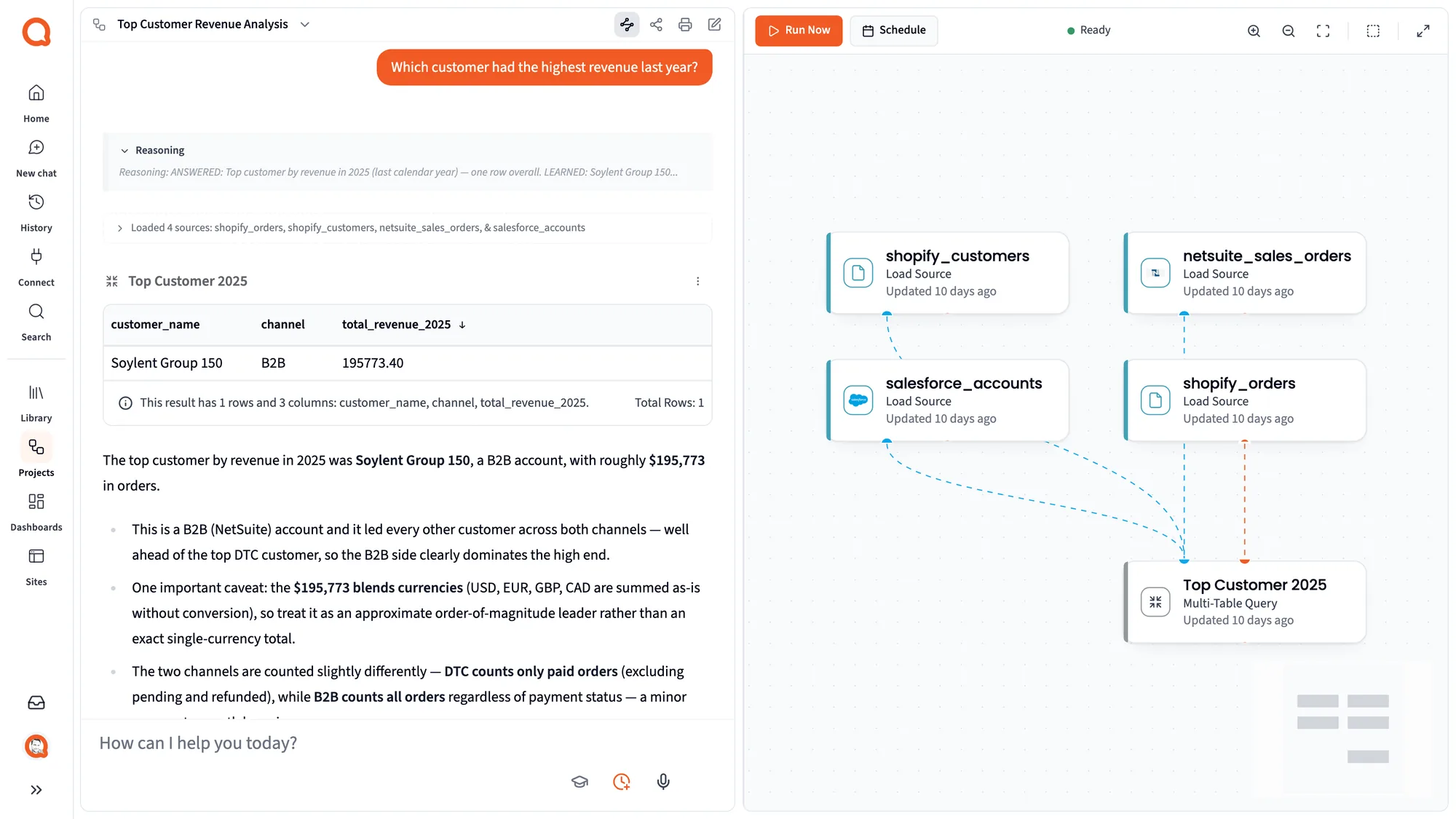
Connect both, and Querri matches Salesforce opportunities to NetSuite sales orders, invoices and payments in the Library, then tells you how it matched them. Write down once whether a booking means a closed-won deal or a signed sales order, and that rule holds in every answer, dashboard and report.
How do I combine NetSuite with budget data in a spreadsheet?
Connect NetSuite and the Google Sheet or Excel file that holds the budget. Querri lines up departments, classes and periods across the two, so budget vs. actual updates on every sync and keeps working after the next reforecast changes the sheet.
How do I combine NetSuite and Snowflake data?
Connect both, and Querri joins NetSuite customers and invoices to the usage or event tables in your Snowflake warehouse. Then you can ask which customers you're billing that stopped using the product, or how revenue per customer tracks with adoption.
How do I get an AR aging and DSO report by subsidiary from NetSuite?
Connect NetSuite, then ask for open AR by age bucket and DSO by subsidiary. Tell Querri once how to convert currencies and what counts as open, and it tracks DSO as a KPI with its history kept, so you can see the trend at every close.
How do I get gross margin by item and customer from NetSuite?
Ask for it in plain language. Querri reads transaction lines and accounting lines together so cost of goods lines up with revenue, checks for duplicates before it answers, and shows the query behind the number. Save it as a project to rerun every month.
Can I build custom NetSuite dashboards outside of NetSuite?
Yes. Ask for the dashboard in plain words, or hand Querri a screenshot of a saved-search portlet or a spreadsheet chart to start from. Edits are requests too, it can mix NetSuite with budgets and CRM data, and each person can be limited to their own subsidiary or department.
How do I export NetSuite data to Excel automatically?
Build the report once in Querri, then put it on a schedule. Querri reruns it on freshly synced NetSuite data and emails a formatted Excel workbook, and it can send each controller or client a version with only their own rows.
Can I ask ChatGPT or Claude about my NetSuite data?
Yes. After a one-time link to Querri, Claude or ChatGPT answers from your Library, using your account mappings and close rules and only the rows each person may see. Ask Claude for Q3 operating expense and you get the figure on your Querri dashboard, not a guess.
Can each subsidiary or department see only its own numbers?
Yes. Give each person a row filter in Querri, such as the UK subsidiary or the Marketing department. It applies everywhere they go: chat, dashboards, scheduled reports, Claude, ChatGPT and the API. People never see rows outside their filter.
Do questions run live against NetSuite?
No. Querri copies NetSuite data into your Library on the schedule you choose, and questions run on that copy. That keeps answers fast and adds no load to NetSuite, and you can run a manual sync whenever you need the latest records.
Is my NetSuite data secure in Querri?
Querri is SOC 2 Type II, HIPAA and ISO 27001:2022 certified, and your data is never used to train a model. NetSuite tokens go into a secure form the Connector Agent never sees, and Querri only ever reads from your account.
 NetSuite + Querri